WhatsApp for Shopify: A 12-Point Consent-First Checklist
Send WhatsApp messages from your Shopify store without annoying customers: a 12-point checklist on opt-in, templates, quiet hours, frequency limits and opt-outs.
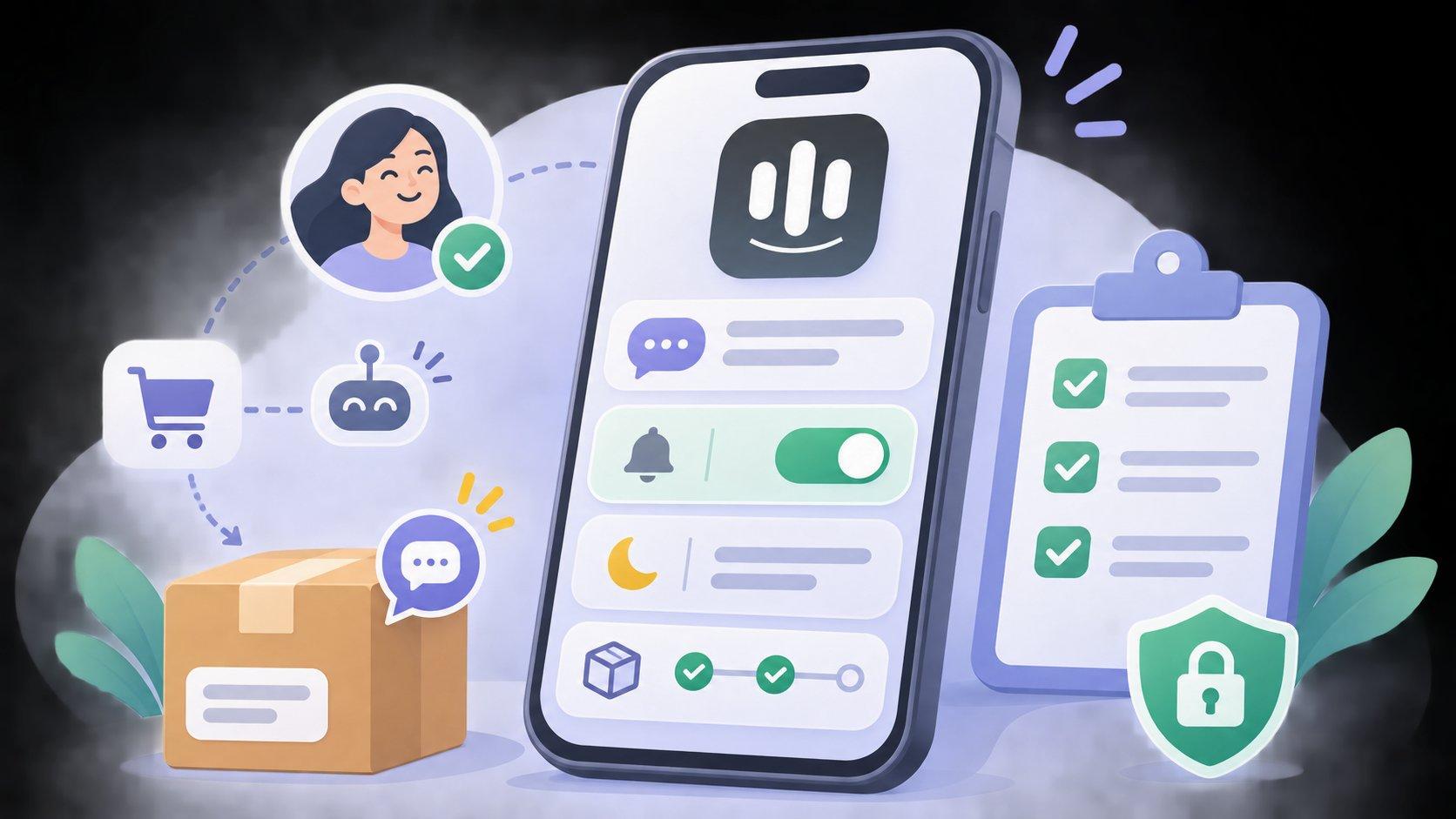
WhatsApp Messaging for Shopify: A 12-Point Consent-First Checklist
Short answer: to use WhatsApp well from your Shopify store, only message customers who agreed to hear from you, use pre-approved message templates for business-initiated messages, keep messages useful and infrequent, respect quiet hours, and make opting out easy. Treat WhatsApp like a private conversation, not a billboard, and it can become one of your most effective channels.
WhatsApp is personal. It sits next to messages from family and friends. That's what makes it powerful for order updates and cart reminders, and also why careless messaging can quickly lead to blocks, reports and lost trust. This checklist helps you get it right.
Note: WhatsApp business messaging is governed by Meta's policies, and privacy and marketing rules vary by country. This checklist is general guidance, not legal advice. Check Meta's current WhatsApp Business policies and the rules in your markets.
Part 1: Consent
☐ 1. Collect clear opt-in
Ask customers whether they want WhatsApp messages, for example with an unticked checkbox at checkout or a clear prompt in chat. Explain what they'll receive: "Order updates and occasional offers on WhatsApp."
☐ 2. Separate transactional and marketing consent
A customer who wants shipping updates hasn't necessarily agreed to promotions. Where possible, let them choose each separately, and honor that choice.
☐ 3. Record when and how consent was given
Store the date, source and type of consent against the customer profile. If a customer asks "why am I getting this?", you'll have an answer.
Part 2: Message content
☐ 4. Use approved templates for business-initiated messages
On the WhatsApp Business Platform, messages you start (like an order confirmation or cart reminder) generally need to use templates that Meta has approved. Plan your templates ahead of busy periods, since approval isn't instant.
☐ 5. Lead with value, not a sales pitch
The best WhatsApp messages are ones customers are glad to get:
- Order confirmations and shipping updates.
- Cash-on-delivery confirmations before dispatch.
- A gentle reminder about items left in the cart.
- Back-in-stock alerts for items they asked about.
☐ 6. Keep it short and personal
Use the customer's name and the specific product. One clear message beats three vague ones.
☐ 7. Match the customer's language
If you sell across borders, send templates in the customer's language. A reminder in their own language feels like service; one in a foreign language can feel like spam.
Part 3: Timing and frequency
☐ 8. Respect quiet hours
Don't send business-initiated messages late at night in the customer's time zone. A cart reminder at 2 a.m. is more likely to get you blocked than to win a sale.
☐ 9. Cap how often you message
Set a daily limit per customer and stick to it. For cart recovery, a short sequence (for example, up to three reminders) is plenty.
☐ 10. Stop when the goal is met
If a customer completes their purchase, stop the cart reminders immediately. Nothing feels more robotic than "you left something in your cart!" an hour after buying it.
Part 4: Control and trust
☐ 11. Make opting out easy, and honor it fast
Tell customers how to stop messages, and process opt-outs promptly across all your tools, not just one.
☐ 12. Keep a human in the loop for sensitive actions
Automated messages are great for routine updates. Actions with consequences, such as cancelling an order or changing what gets sent and when, should be reviewed by a person.
Common mistakes to avoid
- Importing an old phone list and blasting it. People who never opted in are likely to report or block you.
- Using WhatsApp like email marketing. Weekly newsletters don't belong in a personal chat app.
- Ignoring replies. If you message customers, be ready to answer them, including at night.
- Same message, every market. Holidays, languages and acceptable send times differ.
Where WhatsApp works best for Shopify stores
Cash-on-delivery confirmation. In markets where COD is common, confirming orders before dispatch, ideally with simple reply buttons, can help reduce failed deliveries.
Abandoned cart recovery. A friendly reminder with a personal incentive can bring shoppers back, as long as it's timely, limited and stops once they buy.
Order updates and support. Customers can reply to an update with a question and get help in the same thread.
How TaggoAI helps
TaggoAI for Shopify builds these guardrails into its WhatsApp features:
- Messages only after Meta approves the WhatsApp templates.
- Respects customer consent, with quiet hours and daily message limits.
- Abandoned cart recovery with up to 3 reminder messages and a unique discount code per customer (10% by default, valid for 7 days, capped at 30%). Reminders stop automatically once the customer buys.
- COD confirmation on WhatsApp with tap-to-confirm buttons.
- Templates in 5 languages: English, Hindi, Indonesian, Thai and Vietnamese.
- AI proposes, owner approves: cancelling COD orders and changing rules always require the store owner's confirmation, and the internal AI doesn't send messages on its own.
Replies land in a shared inbox alongside your store chat, Messenger, Instagram and email, where the AI chatbot can answer 24/7 and hand off to your team with a summary when needed.
FAQ
Can I message any customer who gave me their phone number? Having a number isn't the same as having permission. Collect explicit opt-in for WhatsApp, and check Meta's policies and local rules for your markets.
How many WhatsApp messages is too many? There's no universal number, but fewer, more useful messages work best. Set a daily cap and keep sequences short.
Do I need templates for every message? Business-initiated messages on the WhatsApp Business Platform generally require approved templates. Replies within an active customer conversation work differently. Check Meta's current documentation for details.
Is WhatsApp better than email for cart recovery? It depends on your market and customers. WhatsApp tends to feel more immediate; email is less intrusive. Many stores use both, with consent for each.
Conclusion
WhatsApp can be a high-trust channel for Shopify stores, as long as you earn the right to be there. Get clear consent, send useful messages, respect time and frequency, and keep humans in charge of sensitive actions. Customers will treat your messages like help rather than noise.
Set up consent-first WhatsApp messaging: install Taggo: AI Chatbot from the Shopify App Store and start your 14-day trial.
Ready to elevate your customer experience?
Deploy intelligent AI agents for your business in minutes.

