How to Update AI Answers Instantly When Pricing or Policy Changes
Ensure customer-facing AI never quotes outdated prices or retired policies. Discover how TaggoAI Knowledge AI achieves zero-downtime, instant vector cache invalidation in under 5 seconds.
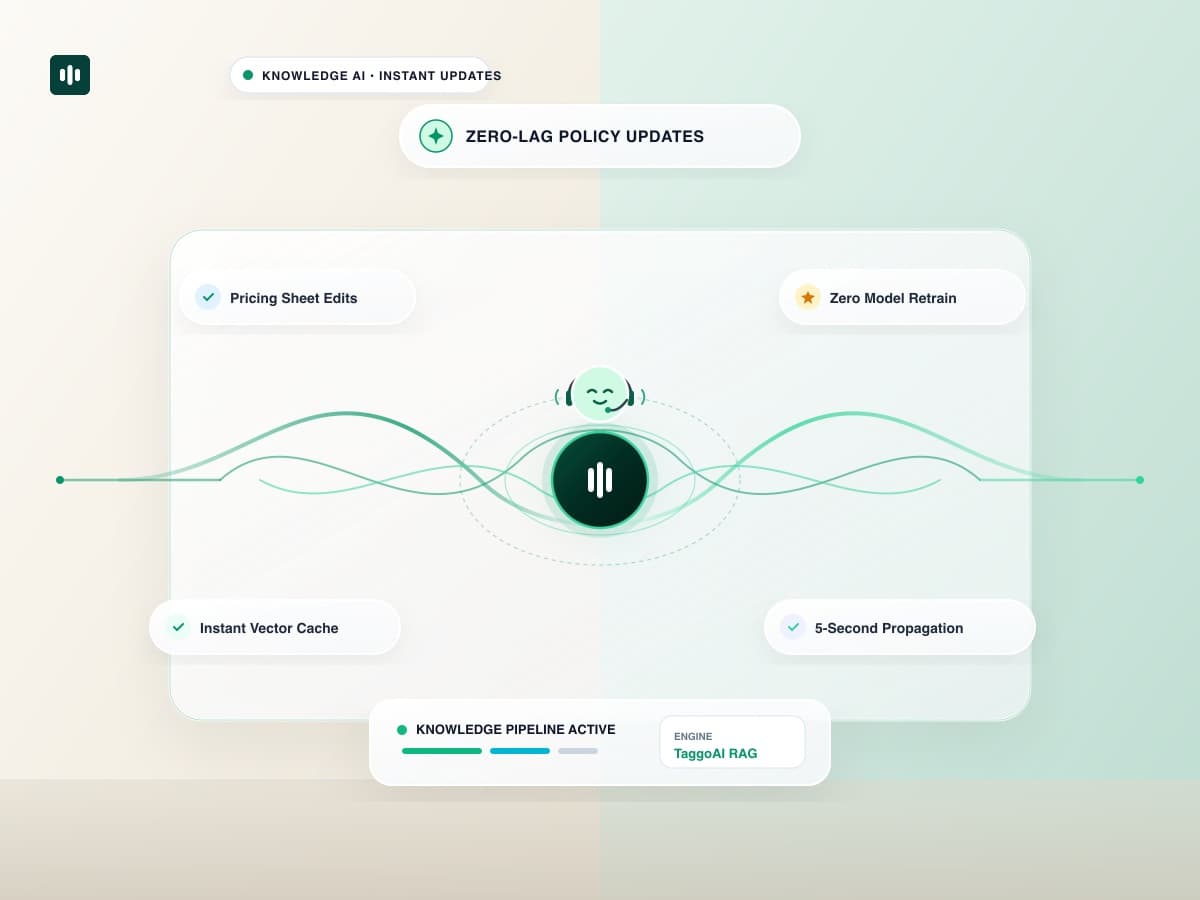
In fast-moving businesses, pricing tiers, flash sale discounts, shipping rates, and warranty terms change constantly. In traditional AI deployments, updating an AI model required fine-tuning pipelines that took days to train, evaluate, and deploy. During that gap, customer service bots continued quoting outdated prices and expired promotions, leading to angry customer disputes and lost margin. With TaggoAI Knowledge AI, updating policy or pricing knowledge is instantaneous: make an edit, and your AI assistant serves the updated answer in under 5 seconds with zero downtime.
Unlike fine-tuning which bakes facts into model weights, TaggoAI decouples knowledge storage from model inference. Updating a document instantly replaces vector chunks in the retrieval index, guaranteeing immediate accuracy across all active chatbots.
1. The Risk of Stale Knowledge in Customer Support
- Revenue Leakage: An AI quoting last year's lower subscription price forces companies to honor discounted rates or lose deals.
- Compliance Violations: Misquoting updated privacy terms or cancellation rights creates regulatory exposure.
- Support Team Overhead: Human agents waste hours fixing incorrect expectations set by an out-of-date chatbot.
2. Comparison: Model Fine-Tuning vs TaggoAI Instant Vector Updates
| Update Dimension | LLM Fine-Tuning | TaggoAI Knowledge AI |
|---|---|---|
| Time to Live | 2 to 7 days of training & eval. | Under 5 seconds. |
| Compute Cost | Hundreds to thousands of dollars in GPU compute. | Included in standard subscription (zero GPU overhead). |
| Rollback Capability | Complex model rollback. | 1-Click document version rollback. |
| Cache Consistency | Old weights occasionally hallucinate previous facts. | Atomic purge of stale vector chunks. |
3. Step-by-Step: Updating Live Knowledge in 3 Steps
- Open your knowledge base in TaggoAI Knowledge AI.
- Replace the document file or edit the content directly in the inline editor.
- Click Save & Re-Index. The new information is instantly active across all live bots.
Keep Your AI Assistant Always Up to Date
Update policies, pricing, and FAQs in 5 seconds with TaggoAI Knowledge AI.
Manage Live Knowledge →Frequently Asked Questions
Do I need to retrain or fine-tune the AI model when policies change?
No. With TaggoAI's modular RAG architecture, model weights remain untouched. Only the retrieval vector index is refreshed, allowing updates in seconds without compute costs.
How do we prevent the AI from quoting old cached answers?
TaggoAI employs an atomic vector versioning system. When a document is updated, all previous vector embeddings for that source are purged immediately.
Ready to elevate your customer experience?
Deploy intelligent AI agents for your business in minutes.