How to Invite Team Members to Collaborate on an AI Project in Real-Time
Unlock collective team intelligence. Learn how to invite colleagues, assign role-based permissions, share document indices, and co-author reports in TaggoAI Workspace.
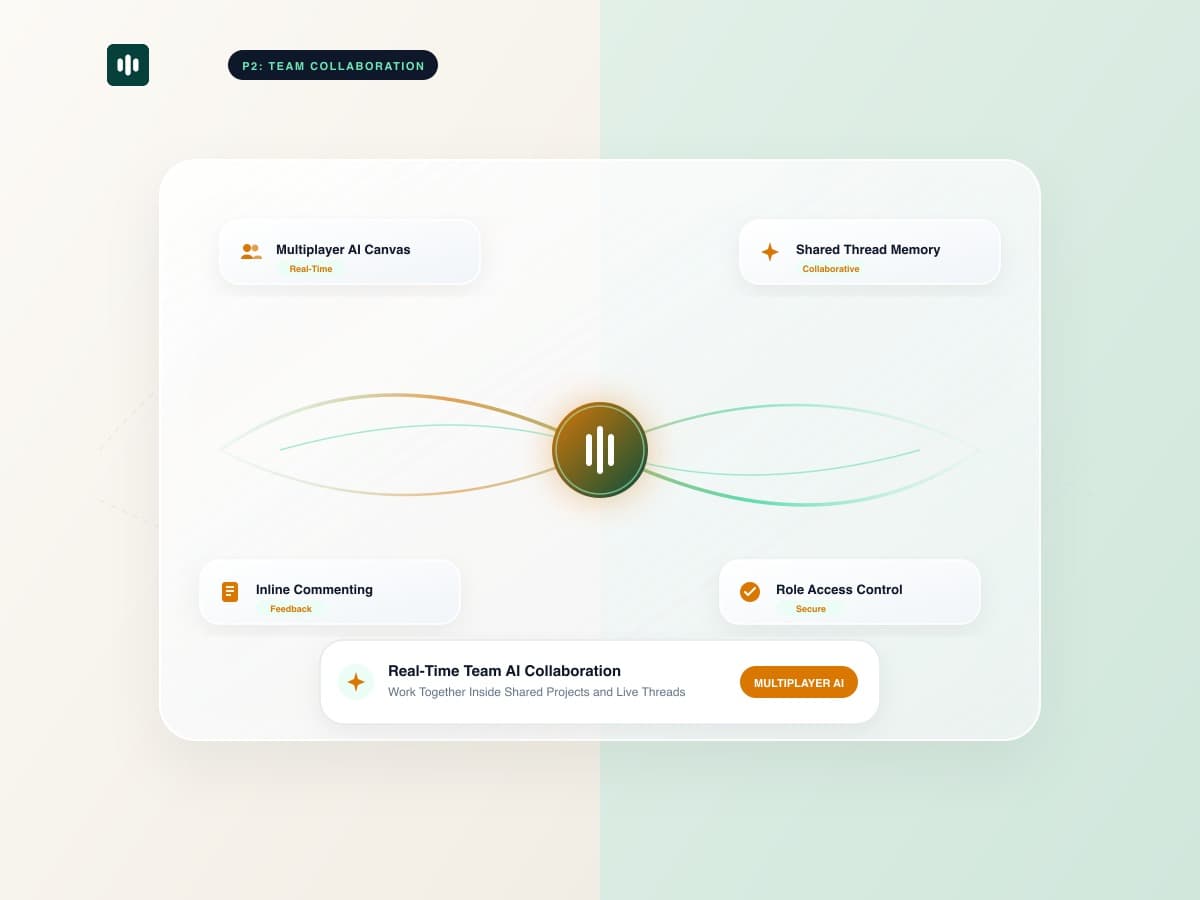
Most AI productivity tools are built for single users: one person types a prompt, gets an answer, and has to copy-paste findings into Slack or email to share with colleagues. This creates fragmented knowledge silos and redundant research efforts across organizations. With TaggoAI AI Workspace, teamwork is built natively into every project, enabling cross-functional teams to query shared document indices and co-create deliverables in real time.
Instead of every analyst uploading duplicate copies of an annual report, one team member uploads the files, and the entire team immediately gains instant, cited Q&A access across the unified knowledge base.
1. The 3 Role Tiers for Project Collaboration
TaggoAI provides clear permission tiers to maintain organization and security:
👥 Granular Role Capabilities:
👑 Workspace Owner: Full control over billing, member removal, project deletion, and custom system instruction configuration.
✍️ Project Editor: Can upload and manage documents, initiate chat sessions, generate reports, and export presentation decks.
👁️ Viewer / Client Stakeholder: Read-only access to review synthesized reports, inspect citations, and verify source documents.
2. How Cross-Functional Teams Use Shared AI Projects
| Department | Shared Knowledge Assets | Collaborative Output |
|---|---|---|
| Product & Engineering | PRDs, API specs, architecture diagrams | Synchronized sprint user stories & release notes. |
| Sales & Business Dev | RFP questionnaires, case studies, pricing sheets | Instant competitive response drafts & pitch decks. |
| Legal & Compliance | Master Services Agreements, NDAs, privacy policies | Multi-lawyer contract redline reviews with page citations. |
3. Step-by-Step: Inviting Teammates in 3 Clicks
- Open your project on TaggoAI Workspace.
- Click the Share / Invite icon in the top navigation bar.
- Type your teammate's email, select their permission level (Owner, Editor, Viewer), and click Send Invitation. They receive instant access to the shared project.
Collaborate Smarter with Your Team
Invite your team to TaggoAI Workspace and unlock collective document intelligence.
Start Team Workspace →Frequently Asked Questions
Can multiple team members query the same document index simultaneously?
Yes. TaggoAI supports multi-user concurrent Q&A. Team members can ask different questions about the same 500-page dataset simultaneously without latency.
Can external clients be invited as read-only viewers?
Yes. You can grant external stakeholders Viewer access, allowing them to inspect synthesized findings and citations without editing prompts or settings.
Ready to elevate your customer experience?
Deploy intelligent AI agents for your business in minutes.