Building a WhatsApp FAQ Flow That Actually Resolves Issues (Not Just Deflects Them)
We have all experienced it: you message a business looking for help, and an automated bot sends you a wall of text with three links back to their website FAQ page. This is called "Ticket Deflection"—and it destroys customer trust. In modern ecommerce, your goal should not be deflection; it should be Instant Resolution.

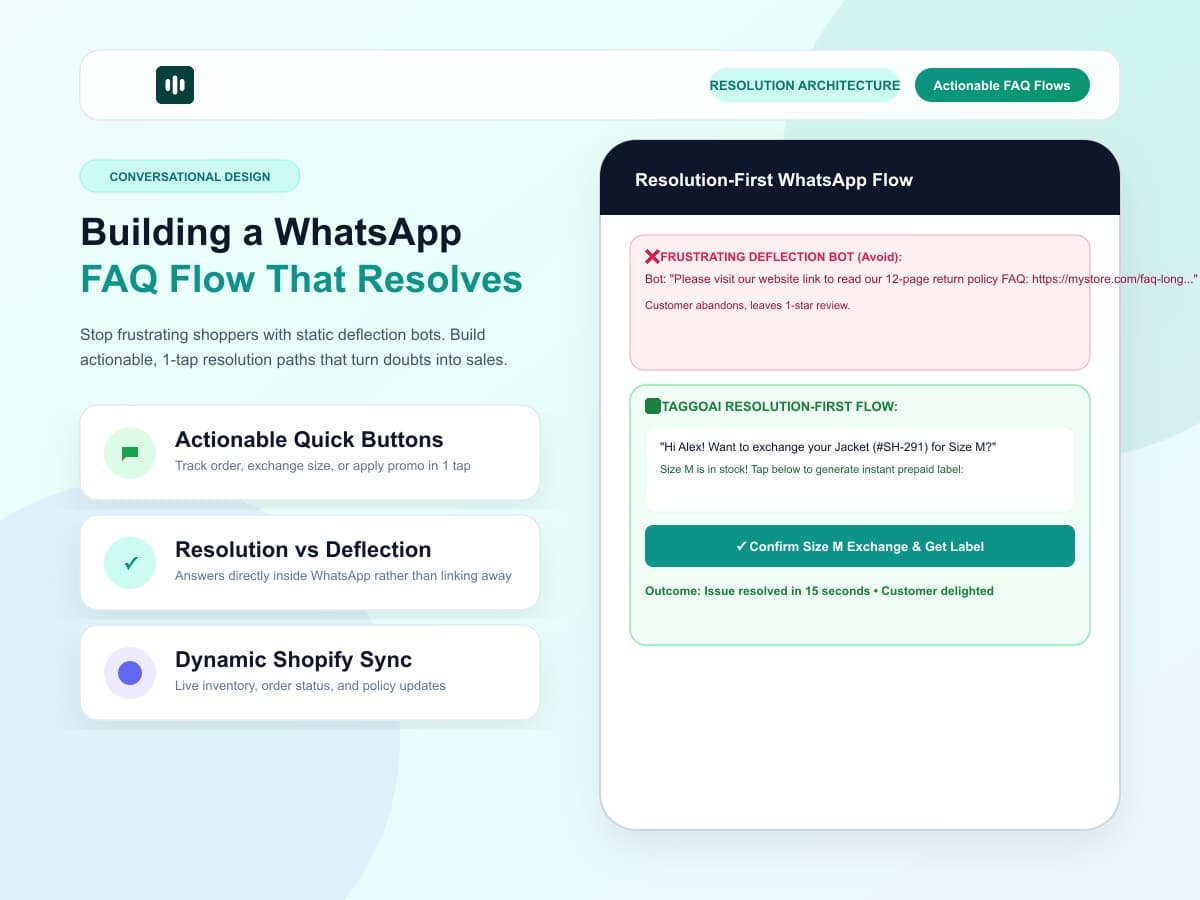
Deflection vs Resolution: The Core Difference
❌ Deflection-First Bot (Bad UX)
Customer: "How do I exchange my size?"
Bot: "Please visit our 5-page return policy guide at https://store.com/returns and fill out the PDF form."
Result: Customer feels dismissed, abandons exchange, requests chargeback.
✅ Resolution-First AI Flow (Good UX)
Customer: "How do I exchange my size?"
TaggoAI: "I found your recent order #SH-201 (Jacket Size L). Size M is in stock! Tap [Exchange for Size M] below and I'll generate your prepaid label right here."
Result: Issue solved in 2 taps inside WhatsApp. High customer retention.
The Anatomy of a High-Converting WhatsApp FAQ Flow
To build an FAQ system that converts browsers into buyers and resolves support questions, follow these 4 design principles:
-
1. Keep Answers Under 3 Sentences:
Mobile screens are small. Avoid massive paragraphs. Give the direct answer first, followed by an actionable button.
-
2. Use Interactive WhatsApp Quick-Reply Buttons:
Give users tap-friendly options like "Track Order", "View Size Guide", or "Speak to Human" to reduce typing friction.
-
3. Dynamic Personalization:
Pull customer name and past order details dynamically from Shopify so the user feels recognized immediately.
-
4. Embed CTAs for Upsells:
When answering a pre-sale question (e.g. "Is this organic cotton?"), follow up with: "Yes, 100% certified organic! Would you like a 10% first-order discount code?"
Upgrade Your Store to Resolution-First AI
Turn your Shopify FAQ into an interactive, revenue-generating conversation engine with TaggoAI.
Start Your 14-Day Free Trial →