Shopify AI Chatbot: The A–Z Guide for Store Owners in 2026
# Shopify AI Chatbot: The A–Z Guide for Store Owners in 2026 A Shopify store can attract visitors around the clock, but shoppers do not always want to search th
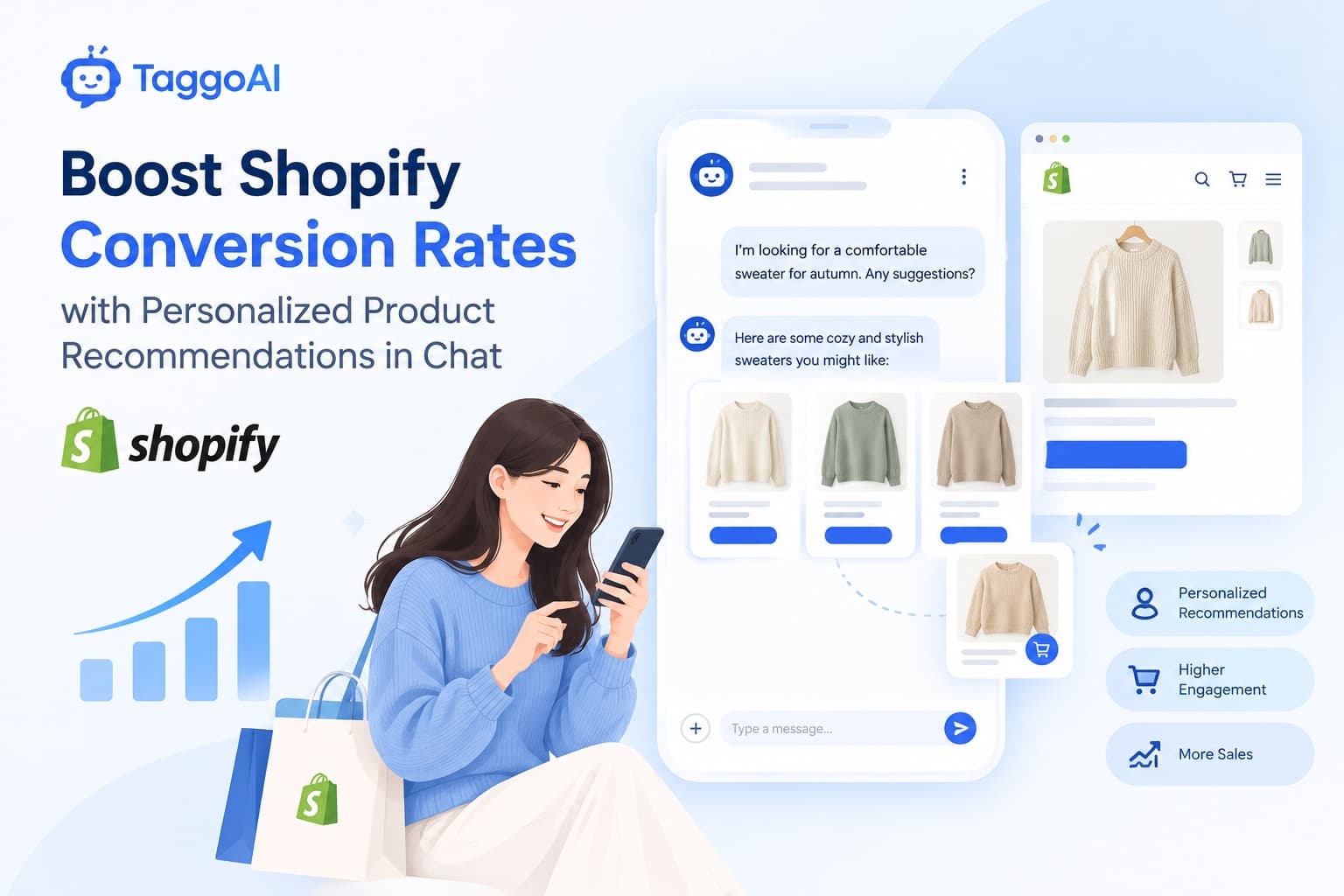
Shopify AI Chatbot: The A–Z Guide for Store Owners in 2026
A Shopify store can attract visitors around the clock, but shoppers do not always want to search through product pages or wait for an email reply. A Shopify AI chatbot helps answer questions, guide product discovery, and support customers even when your team is offline.
This guide explains how AI chatbots work, how they differ from rule-based bots, and how to get started with TaggoAI.
What Is a Shopify AI Chatbot?
A Shopify AI chatbot is a conversational assistant that helps shoppers find information and make decisions through natural-language conversations. Depending on its integrations and permissions, it can answer product questions, explain store policies, recommend relevant items, and direct customers to the right support channel.
A traditional scripted chatbot follows predefined buttons and decision trees. It works well for predictable questions, but it may struggle when customers phrase the same question in different ways or combine several requests. An AI chatbot can interpret intent and generate a response based on the information it has been given. Its answers still depend on the quality and freshness of its knowledge sources.
AI Chatbot vs. Rule-Based Chatbot
- Conversation: Rule-based bots follow fixed paths; AI chatbots can understand a wider range of natural-language questions.
- Coverage: Scripts must anticipate common wording. An AI assistant can respond to varied phrasing when the relevant facts are in its knowledge base.
- Maintenance: Scripts often require manual updates to many branches. A knowledge-based assistant can be updated by refreshing its source information.
- Control: Scripts are predictable. AI needs clear instructions, trusted sources, testing, and escalation rules to reduce incorrect answers.
The best choice depends on your use case. A simple FAQ flow may be enough for a small store, while a growing catalog and complex support needs may benefit from AI.
What Data Should You Train It On?
Start with accurate, customer-facing information:
- Product catalog: Product names, descriptions, variants, sizes, materials, availability details, and care instructions.
- Shipping policy: Delivery regions, estimated timelines, shipping fees, and tracking guidance.
- Returns and exchanges: Eligibility, deadlines, condition requirements, and step-by-step instructions.
- Payments and promotions: Accepted payment methods, coupon terms, exclusions, and promotion dates.
- Store FAQs: Sizing help, order changes, warranty information, and contact options.
Only provide information the assistant is allowed to use. Do not upload sensitive customer data unless the system and your policies explicitly support that use. Review the knowledge base whenever products, prices, or policies change.
How to Set Up a Shopify AI Chatbot with TaggoAI
The exact setup depends on your TaggoAI workspace and available Shopify connection. A practical implementation looks like this:
Step 1: Define the job. Decide whether the chatbot will focus on product discovery, pre-sale questions, order support, or a combination.
Step 2: Connect the store or prepare approved sources. Use the Shopify integration if it is available in your workspace. Otherwise, start with current product information and policy documents.
Step 3: Add your knowledge. Upload or connect product details, shipping information, return rules, and FAQs. Keep each source clear and easy to update.
Step 4: Set instructions and boundaries. Tell the assistant to use approved sources, ask clarifying questions when needed, and hand off account-specific or uncertain requests to a human. It should never invent order status, discounts, stock levels, or policy exceptions.
Step 5: Test realistic questions. Try questions about sizing, shipping to different regions, returns, coupon exclusions, and products with similar names. Include misspellings and follow-up questions.
Step 6: Add the chat experience to your store. Follow the integration instructions available in TaggoAI and Shopify, then test on desktop and mobile.
Step 7: Monitor and improve. Review unanswered questions, customer feedback, handoff rates, and whether answers match current policies. Use these insights to improve the knowledge base and instructions.
Best Practices for Better Results
- Keep product data and store policies up to date.
- Use short, specific answers with links to relevant product or policy pages.
- Make it easy to reach a human.
- Avoid promising delivery dates or refunds unless verified information supports the answer.
- Test changes before rolling them out.
- Tell customers when the assistant cannot verify something.
Frequently Asked Questions
Can an AI chatbot answer questions 24/7? It can respond whenever the chat service is available, including outside business hours. Human escalation may still happen later.
Does it replace customer support staff? Usually, it is most useful for handling repetitive questions and helping agents work faster, while people handle exceptions and sensitive cases.
Will it automatically know my Shopify catalog? Not necessarily. You need to connect an authorized data source or provide accurate product information, depending on the integration.
How do I measure success? Track resolution rate, response time, human handoffs, customer satisfaction, and assisted conversions. Compare results over time rather than relying on a single metric.
Get Started
A useful Shopify AI chatbot is not just a chat bubble. It is a customer-facing assistant grounded in accurate product and policy information. With a clear scope, a well-maintained knowledge base, and regular testing, TaggoAI can be part of a more responsive shopping experience.
Suggested SEO keywords: Shopify chatbot, AI chatbot for online stores, Shopify customer support, ecommerce chatbot.
Ready to elevate your customer experience?
Deploy intelligent AI agents for your business in minutes.