5 Common Mistakes Shopify Merchants Make with WhatsApp Automation (and How to Fix Them)
Avoid costly account bans, customer spam complaints, and lost sales. Learn the 5 most common mistakes Shopify merchants make when setting up WhatsApp automation and how to fix them for maximum ROI.
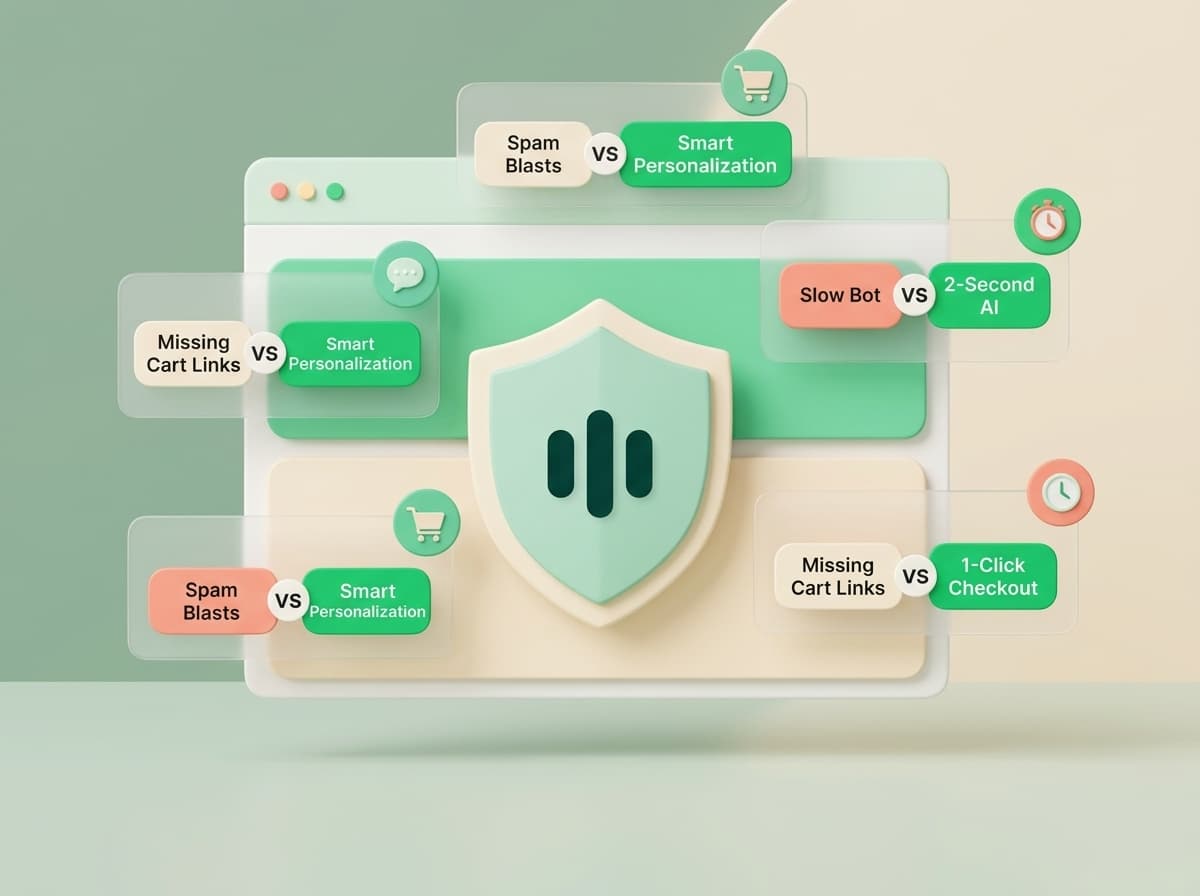
WhatsApp is the highest-converting communication channel in modern e-commerce. But because WhatsApp is a deeply personal space where users message their close friends and family, the margin for error is razor-thin.
Make one wrong move—like blasting cold promotional spam or using clunky, robotic bots—and customers will block your number, causing Meta to lower your account quality rating or suspend your WhatsApp API access. On the flip side, do it right with intelligent AI and proper timing, and you unlock 20%+ cart recovery and 30x ROI.
Here are the 5 most dangerous mistakes Shopify merchants make with WhatsApp automation in 2026 and exactly how to fix them.
Mistake 1: Treating WhatsApp Like an Email Blast List
❌ The Mistake:
Sending 3 promotional broadcast messages a week shouting "HUGE 50% OFF FLASH SALE BUY NOW!" to customers who only opted in for shipping updates.
✅ The Fix:
Focus on conversational, high-relevance value. Send abandoned cart nudges, delivery updates, and personalized VIP recommendations. Limit mass promotional broadcasts to 1–2 times a month for major seasonal events only.
Mistake 2: Relying on Rigid Flowchart Bots That Break on Typos
❌ The Mistake:
Using old-school button-only chatbots. When a customer types "Do you have this in size M?", the bot responds with: "Sorry, please press 1 for tracking or 2 for hours." Customer leaves in frustration.
✅ The Fix:
Use TaggoAI's autonomous LLM-powered assistant trained directly on your Shopify catalog and store policies. It understands natural language, slang, and typos in 50+ languages with 99%+ precision.
Mistake 3: Poor Cart Recovery Timing (Too Fast or Too Slow)
❌ The Mistake:
Sending a recovery message 2 minutes after cart abandonment (feels intrusive/creepy) or waiting 48 hours (shopper already bought from a competitor).
✅ The Fix:
Follow the 30–45 Minute Golden Window. It gives the customer time to finish on their own while keeping purchase intent at its absolute peak.
Mistake 4: Forgetting Pre-Filled 1-Click Checkout Links
❌ The Mistake:
Sending a generic homepage link (yourstore.com) and expecting the customer to search for products and re-add them to their cart.
✅ The Fix:
Always use TaggoAI's dynamic {{checkout_url}} variable, which restores their exact cart items, variants, and applied discounts in one tap.
Mistake 5: Neglecting Meta Opt-In Compliance
❌ The Mistake:
Messaging customers without clear checkout checkbox opt-in, leading to spam reports and Meta account quality drops.
✅ The Fix:
Enable clear, compliant opt-in checkouts on Shopify and provide an instant 1-tap "Unsubscribe" keyword (e.g. Reply STOP to opt out) handled automatically by TaggoAI.
Conclusion: Automate with Confidence & Scale Profitably
WhatsApp automation is the ultimate growth catalyst for modern Shopify merchants when executed thoughtfully. By avoiding these common traps and letting TaggoAI handle compliance, catalog sync, and intelligent objection handling, you create a seamless, high-converting customer experience that compounds your store profits month after month.
Deploy high-converting, compliant WhatsApp automation with TaggoAI today and watch your sales soar.
Ready to elevate your customer experience?
Deploy intelligent AI agents for your business in minutes.