Shopify COD Confirmation via WhatsApp: A Guide
Refused and fake cash-on-delivery orders cost Shopify stores shipping and stock. Learn how to confirm COD orders via WhatsApp buttons before you ship them.
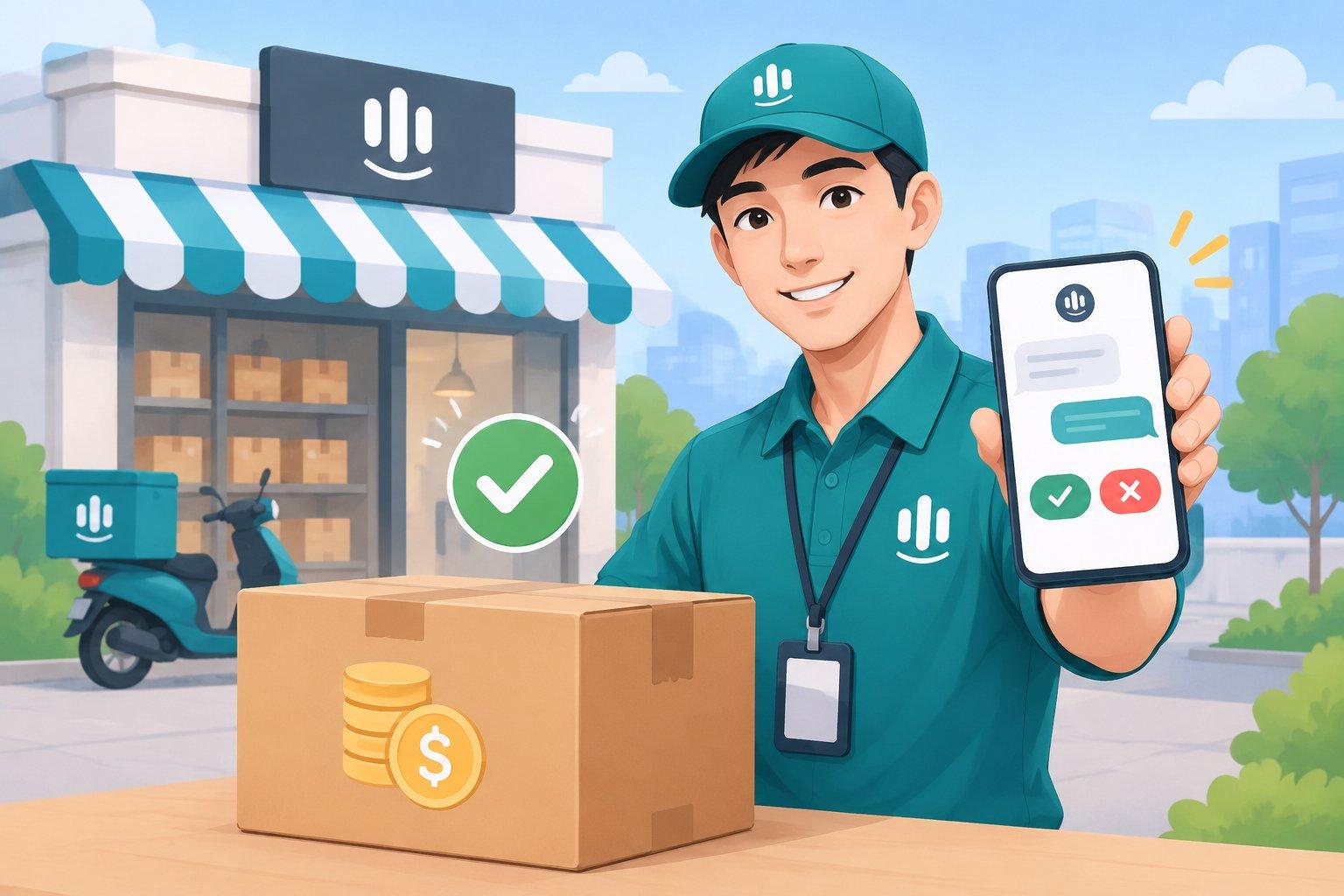
Cash on Delivery Confirmation for Shopify: How to Cut Fake and Refused COD Orders with WhatsApp
Short answer: the most reliable way to reduce refused and fake cash-on-delivery (COD) orders on Shopify is to confirm every COD order with the customer before you ship it. A short WhatsApp message with simple "Confirm" and "Cancel" buttons lets genuine buyers confirm in one tap, flags orders that need a second look, and stops you from paying to ship parcels that will come straight back.
In many markets, COD is still how a large share of shoppers prefer to pay. It builds trust with first-time buyers. But it also introduces a risk that prepaid orders don't have: the customer can simply refuse the parcel at the door. This guide covers why that happens and how to build a confirmation step that protects your margins without adding friction for honest customers.
The real cost of an unconfirmed COD order
When a COD order is refused or never collected, you typically lose:
- Outbound shipping you've already paid.
- Return shipping, in many carrier arrangements.
- Stock that's locked up for days while the parcel travels there and back, sometimes during your busiest sales period.
- Packing time and materials.
- Team time spent chasing customers who don't answer the phone.
None of these show up as a single dramatic number, which is why COD refusals are easy to underestimate. They quietly eat into margins order by order.
Why COD orders get refused
Understanding the reasons helps you design a better confirmation flow:
- Impulse orders. The shopper clicked "Buy" on a whim and changed their mind before delivery.
- Mistakes. Wrong size, wrong address, wrong phone number, duplicate orders.
- Fake or test orders. Pranks, competitors, or people "trying" the checkout.
- Long delivery times. The longer the wait, the more likely the customer has bought elsewhere or lost interest.
- Unreachable customers. The courier can't contact them on delivery day.
A confirmation step addresses most of these at once: it catches mistakes, filters out non-serious orders, and confirms that the phone number actually reaches the buyer.
Why WhatsApp works well for COD confirmation
Phone calls are slow and don't scale. SMS can feel impersonal and doesn't support interactive buttons in most setups. WhatsApp sits in a sweet spot for many COD markets:
- It's a channel many shoppers already use daily.
- Interactive buttons let customers confirm or cancel in one tap.
- The conversation can continue naturally if the customer has a question ("Can I change the size?").
- It confirms the number belongs to a real, reachable person.
One important rule: WhatsApp business messages that you start have to use templates approved by Meta, and you should only message customers who have agreed to receive messages from you.
Step-by-step: building a COD confirmation flow
1. Trigger on new COD orders only
Prepaid orders don't need this step. Keep the flow focused on COD, so you're not adding friction where it isn't needed.
2. Send a short, clear confirmation message
Include only what the customer needs to verify:
- Product name and variant (size, color)
- Total amount to pay on delivery
- Delivery address (or the first line of it)
- Two buttons: Confirm order and Cancel order
Keep it friendly and brief. This is a service message, not a promotion.
3. Handle each response
- Confirmed → tag the order as confirmed and move it to fulfillment.
- Cancelled → flag it for review. Don't silently cancel; a human (or the store owner) should approve cancellations.
- No response → send a polite reminder after a reasonable gap, then flag for a manual call or hold.
- A question instead of a tap → answer it, or hand it to your team.
4. Respect quiet hours and message limits
Nobody wants a confirmation request at midnight. Set quiet hours, cap the number of messages per customer per day, and stop messaging as soon as the customer has responded.
5. Review the results regularly
Look at confirmation rates, cancellations and orders that never respond. Patterns, such as a particular product, ad campaign or region with low confirmation, tell you where to dig deeper.
Common mistakes to avoid
- Auto-cancelling unconfirmed orders without review. Some genuine buyers simply miss the message.
- Sending promotional content in the confirmation. It weakens trust and may conflict with messaging rules.
- Over-messaging. Three reminders in an hour will cost you more goodwill than one refused parcel.
- Asking for too much. Confirmation is not the time to collect a survey.
How TaggoAI helps
TaggoAI for Shopify includes COD order confirmation via WhatsApp with tap-to-reply buttons as one of its core jobs, alongside 24/7 support chat and abandoned-cart recovery:
- Confirmation messages go out only after Meta has approved your WhatsApp templates, and the system respects customer consent, with quiet hours and daily message limits.
- AI suggests, the owner approves: cancelling a COD order always requires the store owner's confirmation.
- Customers who reply with a question get answers from your own store data, 24/7, with handoff to a human when needed.
- Message templates are available in five languages: English, Hindi, Indonesian, Thai and Vietnamese.
- Everything lands in a shared inbox with CRM and segments, plus reporting on the revenue TaggoAI helps bring in.
FAQ
Does COD confirmation hurt conversion? The confirmation happens after checkout, so it doesn't add steps before purchase. For genuine buyers it's one tap, and many appreciate the reassurance that the order was received.
What if a customer never responds? Send one polite reminder, then route the order for a manual check or a phone call. Avoid cancelling automatically without review.
Do I need customer consent to message on WhatsApp? Yes. You should only message customers who have agreed to receive messages, and business-initiated WhatsApp messages must use Meta-approved templates.
Can I use the same flow for prepaid orders? You can send order updates for prepaid orders, but the confirm/cancel step is designed for COD, where refusal at the door is the main risk.
Conclusion
COD will remain important wherever shoppers want to see the product before they pay. You don't have to choose between offering COD and protecting your margins. A simple, respectful confirmation step catches mistakes, filters non-serious orders and keeps your stock moving to customers who really want it.
Want COD confirmation running on autopilot, with you still in control? Install TaggoAI for Shopify from the Shopify App Store and start a 14-day free trial.
Sẵn sàng nâng tầm chăm sóc khách hàng?
Tạo AI Agent thông minh cho doanh nghiệp của bạn chỉ trong vài phút.

