Reduce WISMO on Shopify: A Practical Playbook
Cut "Where is my order?" (WISMO) messages on Shopify with proactive updates, clear delivery expectations and 24/7 order-tracking chat. A step-by-step playbook.
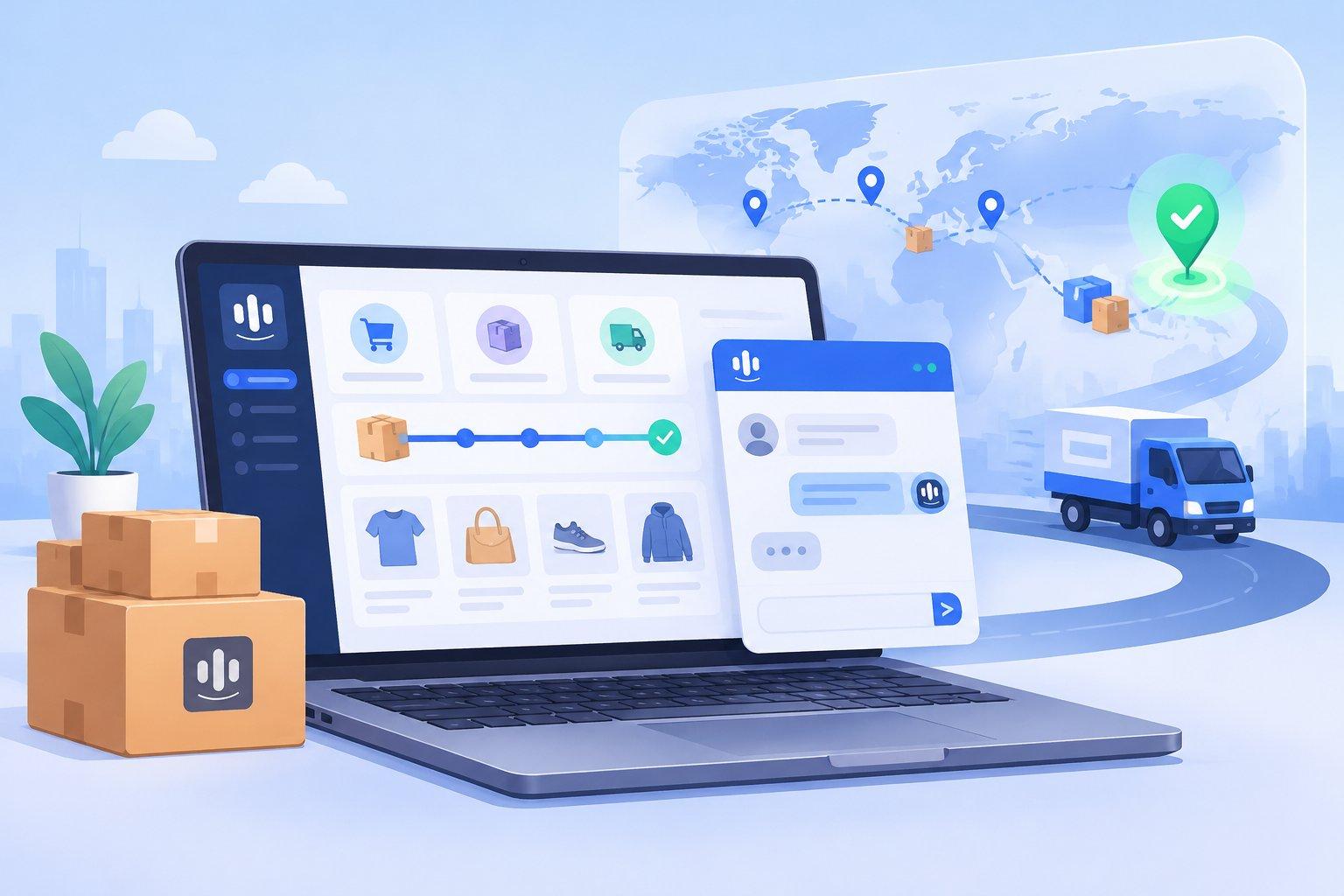
How to Reduce "Where Is My Order?" Messages on Shopify: A Practical Playbook
Short answer: you reduce "Where is my order?" (WISMO) messages on Shopify by doing three things: set clear delivery expectations before checkout, send proactive shipping updates after checkout, and give shoppers an instant self-serve way to check order status in chat, 24/7. Everything else in this guide is about doing those three things well.
WISMO is one of the most common types of customer message an online store receives. Every one of them is a small signal that a customer feels uncertain. Answered quickly, it's a non-event. Left waiting for hours, especially during peak season, it turns into frustration, chargebacks, or a one-star review.
Let's walk through a practical playbook.
Why WISMO messages happen in the first place
Before you automate anything, it helps to understand the root causes. Most WISMO messages come from one of these gaps:
- Unclear expectations. The shopper never saw a realistic delivery window, or saw one on the product page that didn't match the shipping method they chose.
- Silence after purchase. The order confirmation arrived, then nothing for days.
- Tracking that's hard to find. The tracking link is buried in an email the customer can't find.
- Carrier delays. Peak season, weather or a stuck parcel, and the store finds out only when the customer does.
- Anxiety on first purchase. New customers don't yet trust your store, so they check in more often.
Each cause has a fix. Some are content fixes, some are process fixes, and some are where automation shines.
Step 1: Set delivery expectations before checkout
The cheapest WISMO message is the one that never gets sent.
- Show estimated delivery windows on product pages and in the cart, not just "ships in 1–2 days." Customers care about when it arrives.
- Explain shipping methods in plain language. "Standard (usually 5–8 business days)" is clearer than a carrier code.
- Publish holiday cutoffs clearly during peak season, and keep them updated.
- Be honest about pre-orders and backorders. If an item ships later, say so on the product page and in the confirmation.
Step 2: Send proactive updates after checkout
Most customers don't want to message you. They message because they're unsure. Proactive updates remove that uncertainty.
A simple sequence that works for many stores:
- Order confirmed, with what happens next and when.
- Order shipped, with the tracking link front and center.
- Out for delivery (if your carrier supports it).
- Delivered, with a short "everything OK?" check-in.
Choose channels your customers actually read. For some audiences that's email; for others, WhatsApp or Messenger works better. Whatever you choose, respect consent and don't over-message.
Step 3: Make order status self-serve in chat
Even with great proactive updates, some customers will still ask. The goal is to answer them instantly, at 2 PM or 2 AM, without a human looking up each order.
A good order-tracking chat flow looks like this:
- Customer asks: "Where's my order?"
- The assistant asks for an order number or the email used at checkout.
- It looks up the order and replies with status, shipping method and tracking link.
- If something looks wrong (no movement for a long time, delivered but not received), it hands off to a human with a summary, so the customer doesn't have to repeat themselves.
That last step matters. Automation should handle the routine lookups; people should handle the exceptions.
Step 4: Prepare answers for the "messy" WISMO cases
Not every order-status question is a simple lookup. Write clear, approved answers for:
- "It says delivered but I don't have it." Ask them to check with neighbors and the building, then escalate to your team.
- "Tracking hasn't updated in days." Explain what's normal for that carrier, then escalate if it passes your threshold.
- "Can I change my address?" Explain what's possible before and after shipping.
- "I ordered two items but got one." Check for split shipments before escalating.
Put these in your help center and in the knowledge your chatbot uses, so humans and AI give the same answer.
Step 5: Measure and keep improving
Track a few simple signals over time:
- How many conversations are order-status questions?
- How fast do customers get a first reply?
- How many WISMO conversations needed a human?
- Which shipping methods or regions generate the most questions?
If one carrier or region keeps showing up, that's a logistics conversation, not a support one.
How TaggoAI helps
TaggoAI for Shopify (listed on the Shopify App Store as Taggo: AI Chatbot) is built for exactly this kind of repetitive, time-sensitive question:
- 24/7 AI chat on your store, plus Messenger, Instagram, WhatsApp and email, that answers shoppers and tracks orders for them.
- Answers from your own data: your store, policies and FAQ, so replies match your shipping and returns rules.
- Human handoff with a summary when the AI isn't sure, so your team picks up exceptions without re-asking.
- A shared inbox where your team and the AI work side by side, plus CRM and segments to see each customer's history.
- Owner stays in control: sensitive actions like cancelling a COD order or changing rules always need the store owner's confirmation.
You can try it free for 14 days from the Shopify App Store.
FAQ
What does WISMO mean? WISMO stands for "Where Is My Order?" It covers any customer message asking about order status, shipping progress or delivery timing.
Can an AI chatbot really handle order tracking? For routine lookups, yes: the chatbot asks for an order identifier, checks the order and shares the status and tracking link. Unusual cases, like lost or damaged parcels, should still go to a person.
Will proactive shipping notifications annoy customers? Not if they're useful and limited. A handful of clear milestone updates (confirmed, shipped, out for delivery, delivered) usually reduces anxiety rather than adding noise. Always respect opt-in preferences.
Where should I start if I only have an hour? Add estimated delivery windows to your product and cart pages, make sure your shipping-confirmation message puts the tracking link at the top, and write approved answers for the three or four messiest WISMO cases.
Conclusion
WISMO messages are not a sign that customers are difficult. They're a sign that something in the post-purchase experience left them unsure. Set expectations early, update proactively, and make order status instant in chat, and your team gets its time back for the conversations that actually need a human.
Ready to answer "Where is my order?" in seconds, day and night? Install TaggoAI for Shopify and start your 14-day free trial.
Sẵn sàng nâng tầm chăm sóc khách hàng?
Tạo AI Agent thông minh cho doanh nghiệp của bạn chỉ trong vài phút.

