How to Sell via Instagram DMs and WhatsApp on Shopify
Learn how to sell through Instagram DMs and WhatsApp with a Shopify store: set up channels, answer fast, share products, take orders and hand off to humans.
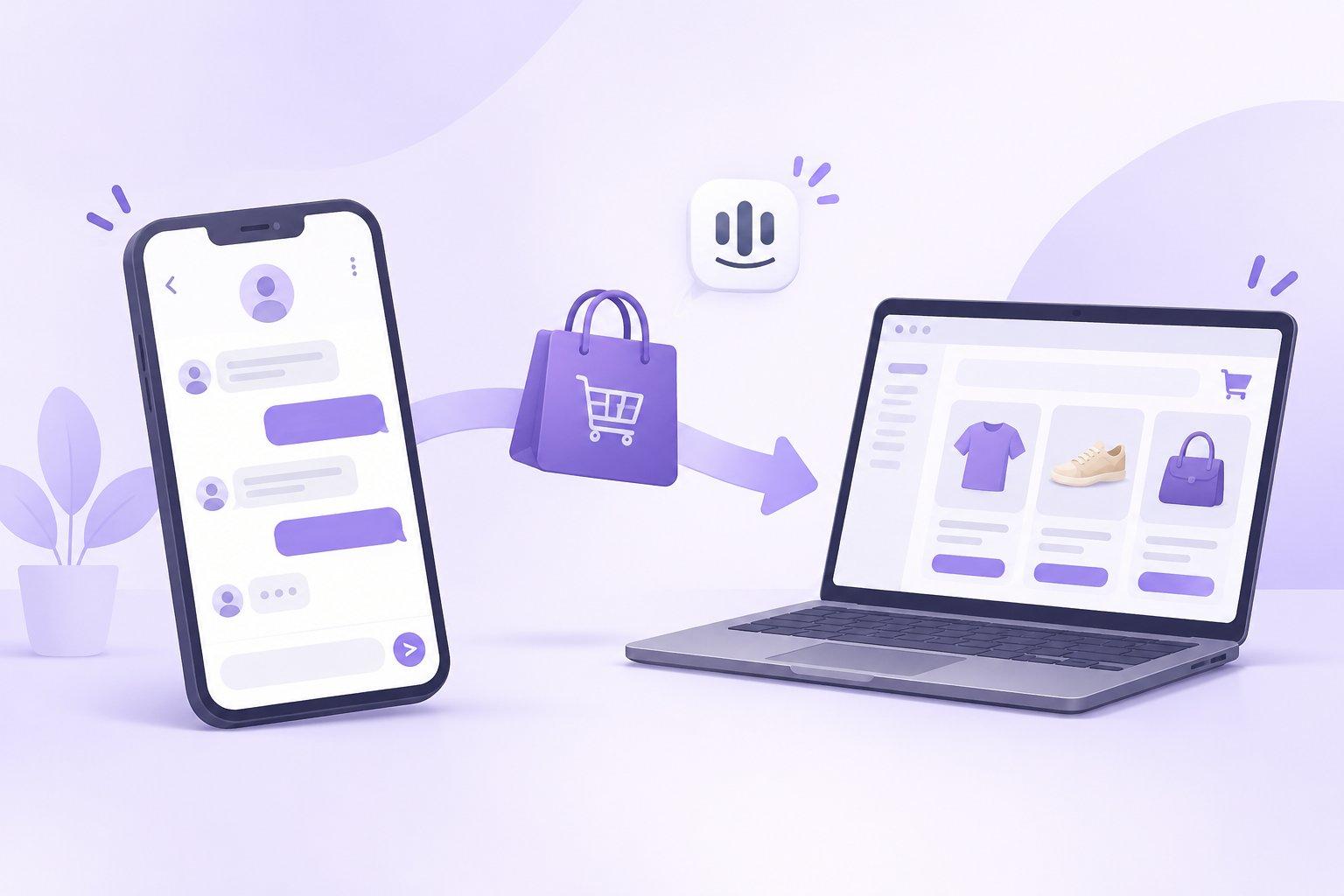
How to Sell Through Instagram DMs and WhatsApp with a Shopify Store
Short answer: to sell through Instagram DMs and WhatsApp with a Shopify store, treat each channel as a sales counter, not a support afterthought. Connect both channels to one shared inbox, prepare answers to the questions that come right before a purchase, reply within minutes (including evenings), share products and checkout links inside the conversation, and hand complex or high-value chats to a person with full context. An AI assistant trained on your own catalog and policies can cover the hours your team can't.
Below is a practical, step-by-step guide.
Why DMs have become a real sales channel
Many shoppers discover products on Instagram and then, instead of browsing your store, they simply send a message: "Is this available in blue?", "Do you ship to Canada?", "What size should I get?". In some markets, WhatsApp plays the same role: it's where customers already talk to friends, so it feels natural to talk to a brand there.
These messages are high intent. Someone who takes the time to ask about a specific product is usually close to buying. The problem is that DMs often get treated like a social media chore, answered when someone on the team has a spare moment. By then, the shopper may have moved on.
Step 1: Decide what each channel is for
Before connecting anything, write down a simple rule for each channel:
- Instagram DMs: product questions from people who found you through posts, Reels, Stories or ads. Expect visual, impulse-driven questions.
- WhatsApp: often used by returning customers, higher-consideration purchases, and order follow-ups.
- Store chat and email: shoppers already on your site, plus post-purchase questions.
The point isn't to restrict customers. It's to understand the type of conversation you'll get on each channel so you can prepare the right answers.
Step 2: Bring every channel into one inbox
The biggest operational mistake is answering Instagram on one phone, WhatsApp on another, and store chat in a browser tab. You end up with:
- Duplicate or contradicting answers when the same customer messages on two channels
- No shared history, so nobody knows what was already promised
- Messages that slip through because nobody "owned" that app today
Use a shared inbox where every conversation lands in one place, with assignment, internal notes and customer history. Even with a small team, this is the foundation that makes everything else work.
Step 3: Prepare your "pre-purchase" answer set
Look at your last few weeks of DMs and list the questions that come up right before someone buys. For most Shopify stores, they cluster around:
- Availability: in stock? which colors and sizes?
- Sizing and fit: how does it run? what are the measurements?
- Shipping: cost, delivery time, countries served
- Returns and exchanges: what's the policy if it doesn't fit?
- Price and discounts: is there a current offer?
- Product details: materials, care, compatibility, ingredients
Write clear, short answers for each, using your actual policies. This document does double duty: it trains new team members and gives an AI assistant accurate knowledge to work from.
Step 4: Reply fast, especially outside office hours
Social shoppers are browsing in the evening, on weekends, during commutes. If your team works 9 to 5 in one time zone, a large share of DMs may wait hours for a reply.
There's no universal "right" response time, but a useful principle is: reply while the shopper is still thinking about the product. For an impulse purchase seen in a Reel, that window may be short.
Options to close the gap:
- Stagger team shifts to cover evenings
- Use saved replies for the most common questions
- Use an AI assistant that answers from your own data around the clock and hands off to a person when it isn't sure
Step 5: Move from answer to action inside the chat
Answering a question is good. Helping the shopper take the next step is better. Inside the conversation, you can:
- Share the exact product the shopper asked about, with a direct link
- Suggest an alternative when the requested variant isn't available
- Confirm shipping details so there are no surprises at checkout
- Ask a simple closing question: "Would you like the link to order the medium?"
Keep the tone conversational. A DM thread is not a landing page; a short, friendly reply with one clear next step tends to work better than a wall of text.
Step 6: Hand off the right conversations to humans
Not every chat should be automated. Plan clear handoff triggers:
- Large or custom orders
- Complaints or frustrated customers
- Questions outside your documented policies
- Anything requiring a judgment call (special discounts, exceptions)
The key to a good handoff is context. The person picking up the chat should see a summary of what the customer wants and what has already been said, so the shopper never has to repeat themselves.
Step 7: Follow up after the purchase
DM channels are also great for post-purchase moments: order status questions, delivery updates and "how do I use this?" questions. Answering these quickly in the same thread builds trust and makes repeat purchases more likely.
Common mistakes to avoid
- Copy-pasting long policy text into DMs instead of answering the actual question
- Sending shoppers to "check the website" when they've asked a simple question
- Inconsistent answers between channels or team members
- Over-messaging: sending promotional messages to people who only asked one question
- No owner: if everybody is responsible for DMs, nobody is
How TaggoAI helps
TaggoAI for Shopify is built for stores that sell through conversations:
- AI that answers 24/7 on your store chat, Messenger, Instagram, WhatsApp and email
- Answers from your own data: your catalog, policies and documents, not generic guesses
- Real actions in the chat: product recommendations, order lookups, delivery tracking and abandoned cart recovery
- Human handoff with a conversation summary when the AI isn't sure, so your team picks up seamlessly
- TaggoAI Inbox brings every channel into one shared inbox with assignment, notes and a mini CRM, so humans and AI work in the same place
- You control autonomy: start with the AI only drafting replies for your team to review, then let it answer routine questions while important actions wait for approval
A 14-day trial lets you run the AI side by side with your team first: during the first week it drafts answers without sending them, so you can check its accuracy before going live.
FAQ
Can I sell directly inside Instagram DMs? You can answer questions, share product links and guide shoppers to checkout inside the conversation. The purchase itself typically completes on your Shopify checkout.
Should I use WhatsApp if my customers are mostly on Instagram? Start where your customers already message you. Add WhatsApp if customers ask for it or if your market uses it heavily for shopping conversations.
Will an AI assistant sound robotic in DMs? It depends on setup. Give it a clear brand voice guide and accurate product knowledge, review its drafts during a trial period, and keep humans on sensitive conversations.
How do I avoid answering the same question five times a day? Document your top pre-purchase questions once, use them as saved replies and AI knowledge, and route everything through one shared inbox.
Conclusion
Instagram DMs and WhatsApp can be some of your highest-intent sales conversations, if you treat them like a sales counter that is always staffed. Unify your channels, prepare answers to pre-purchase questions, reply quickly at all hours, and hand off with context when a human is needed.
👉 Want to see how this would work with your own catalog? Try TaggoAI for Shopify free for 14 days or book a short demo at taggoai.com.
Sẵn sàng nâng tầm chăm sóc khách hàng?
Tạo AI Agent thông minh cho doanh nghiệp của bạn chỉ trong vài phút.

