Shopify + WhatsApp Setup Checklist: From Zero to First Automated Sale
The ultimate single-session setup checklist to launch automated WhatsApp commerce on Shopify. Go from zero to your first automated cart recovery and customer support sale in under 30 minutes.
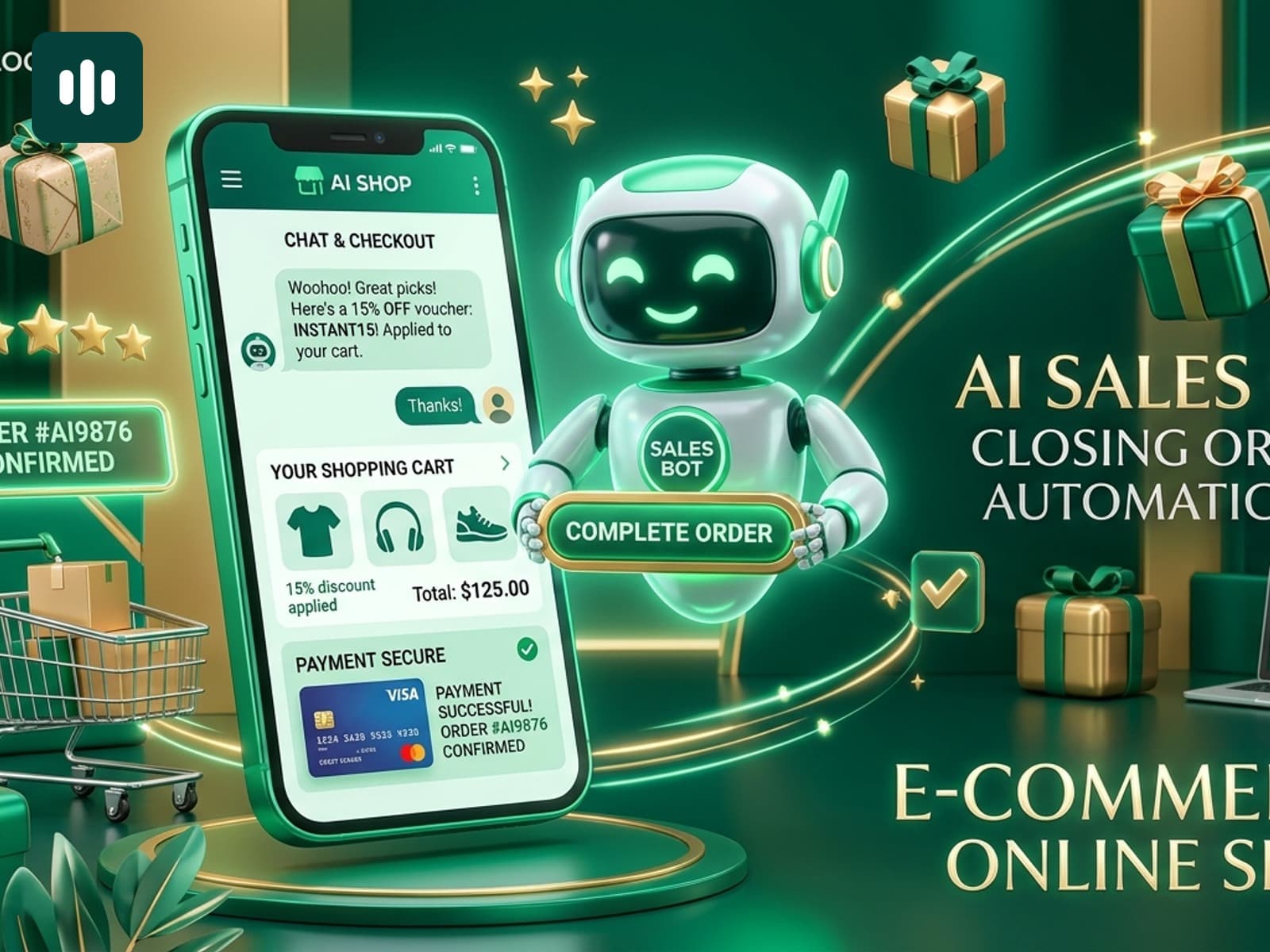
Setting up conversational commerce shouldn't require a computer science degree or weeks of technical configuration. With modern tools, a solo merchant can connect Shopify to WhatsApp, train an autonomous AI assistant, and launch automated abandoned cart recovery in a single 30-minute sitting.
To ensure you don't miss any critical steps, we compiled the definitive Shopify + WhatsApp Launch Checklist. Follow this step-by-step guide from top to bottom, check off each milestone, and start capturing automated sales today.
Phase 1: Account Connection & Channel Setup (10 Mins)
1.1 Install TaggoAI on Shopify
Search for TaggoAI on the Shopify App Store and click Install. Grant necessary webhook permissions to allow automated cart detection.
1.2 Connect WhatsApp Business Phone Number
Under Channels > WhatsApp, connect your business phone number via official Meta Cloud API. Ensure your business display name and profile picture match your store branding.
1.3 Link Meta Channels (Instagram & Messenger)
Connect your Instagram Business account and Facebook Page to enable Unified Inbox message consolidation in one unified hub.
Phase 2: Knowledge Base & Catalog Ingestion (10 Mins)
2.1 Verify Shopify Catalog Auto-Sync
Check that your active products, variants, prices, and stock counts have synced into TaggoAI's catalog database.
2.2 Ingest Shipping & Refund Policies
Paste your store's refund and delivery policy URLs. The AI synthesizes delivery timelines, express rates, and return windows.
2.3 Input Top 5 FAQs & Sizing Specs
Add common customer questions (e.g., fabric care, fit guide, international customs) to guarantee 100% accurate AI responses.
Phase 3: High-ROI Automations & Cart Recovery (5 Mins)
3.1 Activate WhatsApp Abandoned Cart Workflow
Set Message 1 delay to 35 minutes with a supportive, helpful tone. Enable Message 2 at 22 hours with an optional 10% discount sweetener.
3.2 Enable 1-Click Pre-Filled Checkout Links
Ensure the {{checkout_url}} dynamic variable is included so customers can complete orders with one tap without retyping info.
Phase 4: Storefront Widget & Final Verification (5 Mins)
4.1 Customize Floating Chat Button
Position the widget on the bottom-right corner with brand colors and an inviting prompt ("Need help with sizing? Chat on WhatsApp!").
4.2 Run End-to-End Test Purchase
Add an item to your cart using your own phone number, abandon checkout, verify receipt of WhatsApp recovery message within 35 minutes, and test AI replies.
You're Ready to Scale!
Congratulations! With this checklist complete, your Shopify store has a 24/7 automated sales and support engine running smoothly in the background.
Start checking off your launch checklist today with TaggoAI and experience the power of automated conversational commerce.
Ready to elevate your customer experience?
Deploy intelligent AI agents for your business in minutes.