How to Sync ERP and CRM Data into an AI Knowledge Base via REST API
Bridge relational enterprise databases with semantic AI search. Learn how TaggoAI Knowledge AI connects to SAP, Oracle, Salesforce, and custom REST APIs to ingest dynamic JSON schemas into vector embeddings.
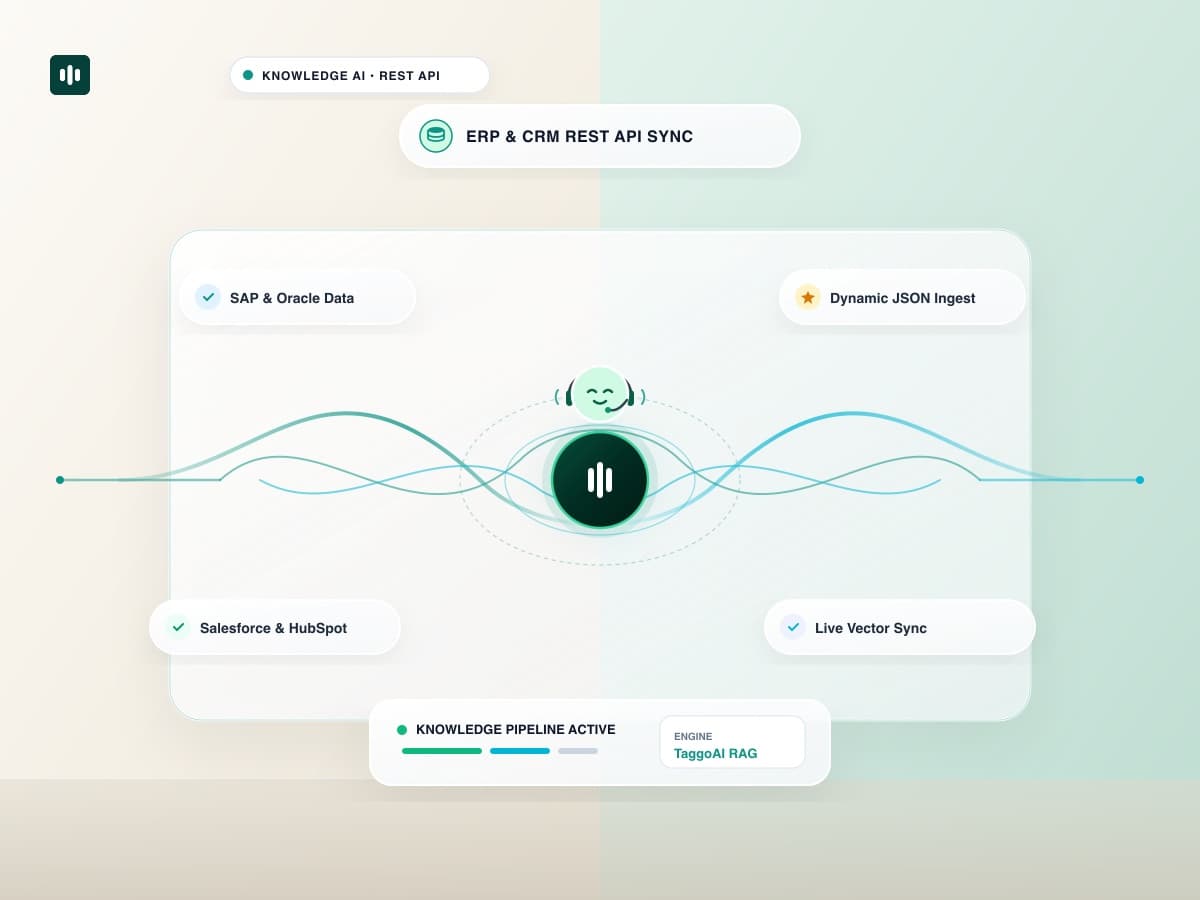
In modern enterprises, the most critical operational data does not live in static PDFs—it resides inside complex, dynamic relational databases like SAP, Oracle NetSuite, Salesforce, and custom SQL backends. While traditional Retrieval-Augmented Generation (RAG) is designed for unstructured text, enterprise AI assistants must know real-time warehouse inventory, live customer account tiers, and order statuses. With TaggoAI Knowledge AI REST API Sync, engineering and operations teams can stream structured ERP and CRM data directly into high-speed vector embeddings with zero manual overhead.
API-driven ingestion converts structured JSON payloads from ERP and CRM systems into semantic text embeddings. It bridges SQL and NoSQL databases with natural language AI models, allowing conversational assistants to answer real-time operational queries with 100% database accuracy.
1. The Challenge of Connecting Relational Data to Vector AI
- Data Freshness Lag: Static document uploads cannot keep pace with inventory that changes every minute or CRM deals that move stages hourly.
- Schema Complexity: Nested relational tables (e.g. Orders → Line Items → Discounts) are lost when dumped into flat text format.
- Security & API Rate Limits: Hammering production ERP databases with live LLM queries creates latency and security vulnerabilities.
2. Comparison: Batch Exports vs TaggoAI Real-Time REST API Ingestion
| Integration Dimension | Manual Batch CSV Exports | TaggoAI REST API Webhook Sync |
|---|---|---|
| Data Latency | 24 hours to weekly delays. | Sub-3 seconds real-time webhook updates. |
| Automation Level | 100% manual file exports and uploads. | 100% automated CI/CD and REST pipeline. |
| Data Structure Handling | Flat text loss of relational metadata. | Preserves JSON hierarchies, numbers, & dates. |
| Production Database Load | Heavy full-table exports. | Lightweight differential delta payloads. |
3. 4 Steps to Ingest ERP / CRM Data via API
- Create an API Data Source: In TaggoAI Knowledge AI, select Integrations → Custom REST API.
- Define Payload Schema: Specify your JSON schema mappings (e.g.
product_name,unit_price,warehouse_stock). - Connect Outbound Webhooks: Configure your ERP or CRM system to send POST requests on record creation, update, or deletion.
- Query in Natural Language: Test queries like "What is the current stock level for SKU-904 in the Chicago warehouse?".
Stream Your Enterprise Data into AI
Connect your ERP and CRM databases to TaggoAI Knowledge AI via REST API.
Connect REST API →Frequently Asked Questions
How does TaggoAI handle structured tabular JSON data from ERPs?
TaggoAI transforms nested JSON payloads into semantically rich document representations, preserving field hierarchies, numerical precision, and timestamp metadata.
Can we trigger real-time updates when an ERP record changes?
Yes. TaggoAI exposes dedicated incoming webhook endpoints that process update events and refresh vector indices in under 3 seconds.
Ready to elevate your customer experience?
Deploy intelligent AI agents for your business in minutes.