How to Set Up One-Click Multi-Channel Publishing for Your Brand
Discover how to build a unified multi-channel publishing hub that distributes formatted marketing assets to 6+ social networks simultaneously in one click using TaggoAI.
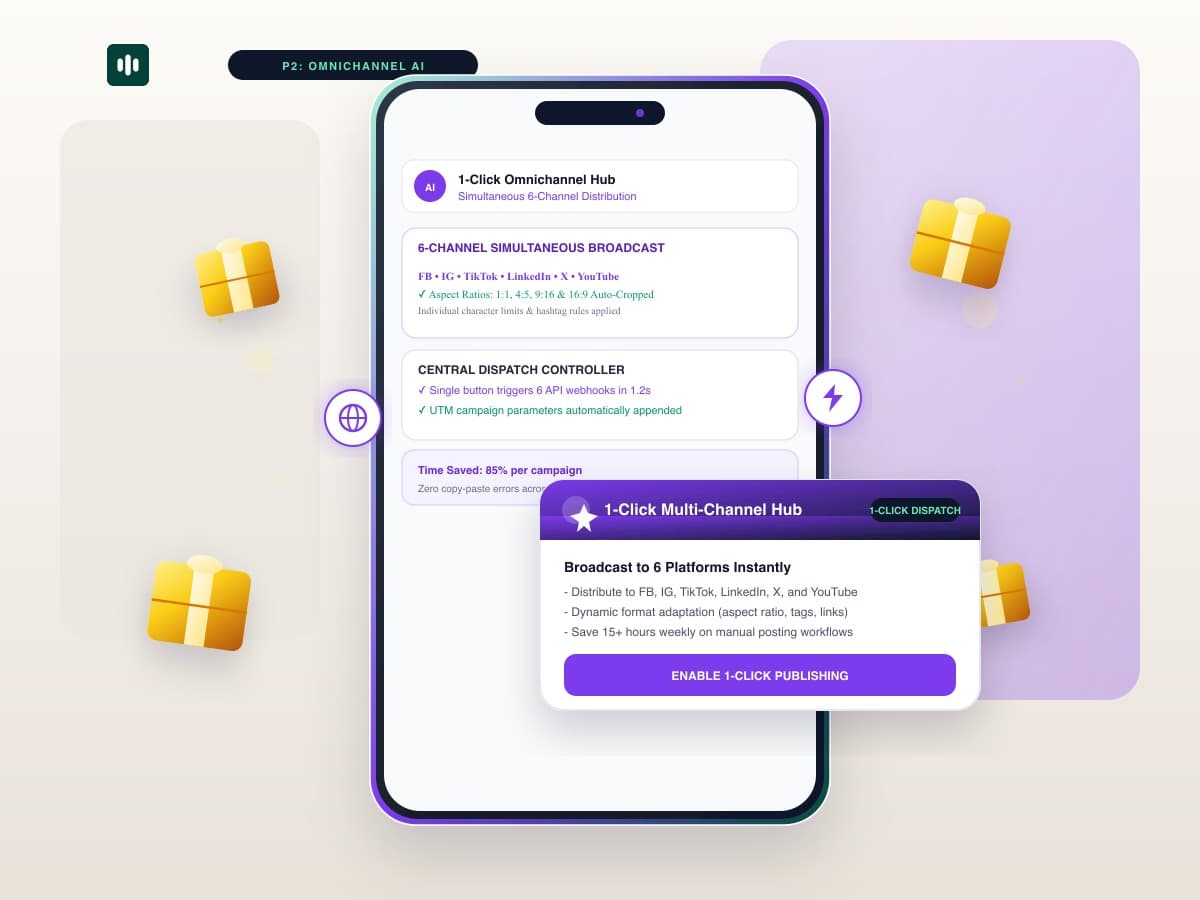
Modern consumers interact with brands across an average of 6 different social touchpoints before making a purchase decision. Yet managing 6 separate social media dashboards requires hours of repetitive copy-pasting and formatting. With TaggoAI AI Content Engine, brands deploy a true 1-Click Multi-Channel Publishing Hub that formats and broadcasts campaigns across every major platform simultaneously.
Instead of manually adapting image sizes and text lengths across Facebook, Instagram, TikTok, LinkedIn, X, and YouTube, TaggoAI acts as an intelligent router—automatically compiling platform-perfect assets and dispatching them via official APIs in under 2 seconds.
1. The 6-Channel Distribution Matrix
| Target Channel | Aspect Ratio | Native AI Format Tuning |
|---|---|---|
| Facebook Page | 16:9 / 1:1 | Rich preview card with tracked UTM campaign links. |
| Instagram Feed | 4:5 / 1:1 | Carousel slides + automated first-comment hashtags. |
| TikTok | 9:16 Vertical | 3-second video hook with trending audio tags. |
| PDF / 1:1 | Executive thought leadership layout with clean spacing. | |
| Threads | Text / 1:1 | Chained conversation starter with debate hook. |
| YouTube | 16:9 / 9:16 | Shorts and long-form video with timestamp chapters. |
2. How to Configure Your 1-Click Publishing Hub
- One-Time Authentication: Connect your 6+ social channel APIs in the TaggoAI Integrations panel.
- Create Core Master Campaign: Draft your message once. TaggoAI generates all 6 channel variants automatically.
- Review & Broadcast: Click "Publish Everywhere" to trigger simultaneous multi-channel dispatch.
Enable 1-Click Multi-Channel Publishing
Broadcast to 6 platforms in seconds and save 15+ hours every week.
Setup 1-Click Publishing →Frequently Asked Questions
How does 1-click multi-channel publishing prevent cross-posting penalties?
TaggoAI does not blindly mirror text; it generates distinct platform-native variations so each network receives unique, optimized content.
Can we schedule different release times for each channel?
Yes. You can broadcast immediately or enable 'Smart Timing', which releases content on each platform at its specific peak engagement window.
Ready to elevate your customer experience?
Deploy intelligent AI agents for your business in minutes.