How to Organize Client Work into Isolated AI Projects: Complete Agency Guide
Learn how marketing agencies, legal practices, and consultancies structure multi-client workflows into dedicated AI projects. Eliminate data cross-contamination and accelerate deliverable turnarounds with TaggoAI Workspace.
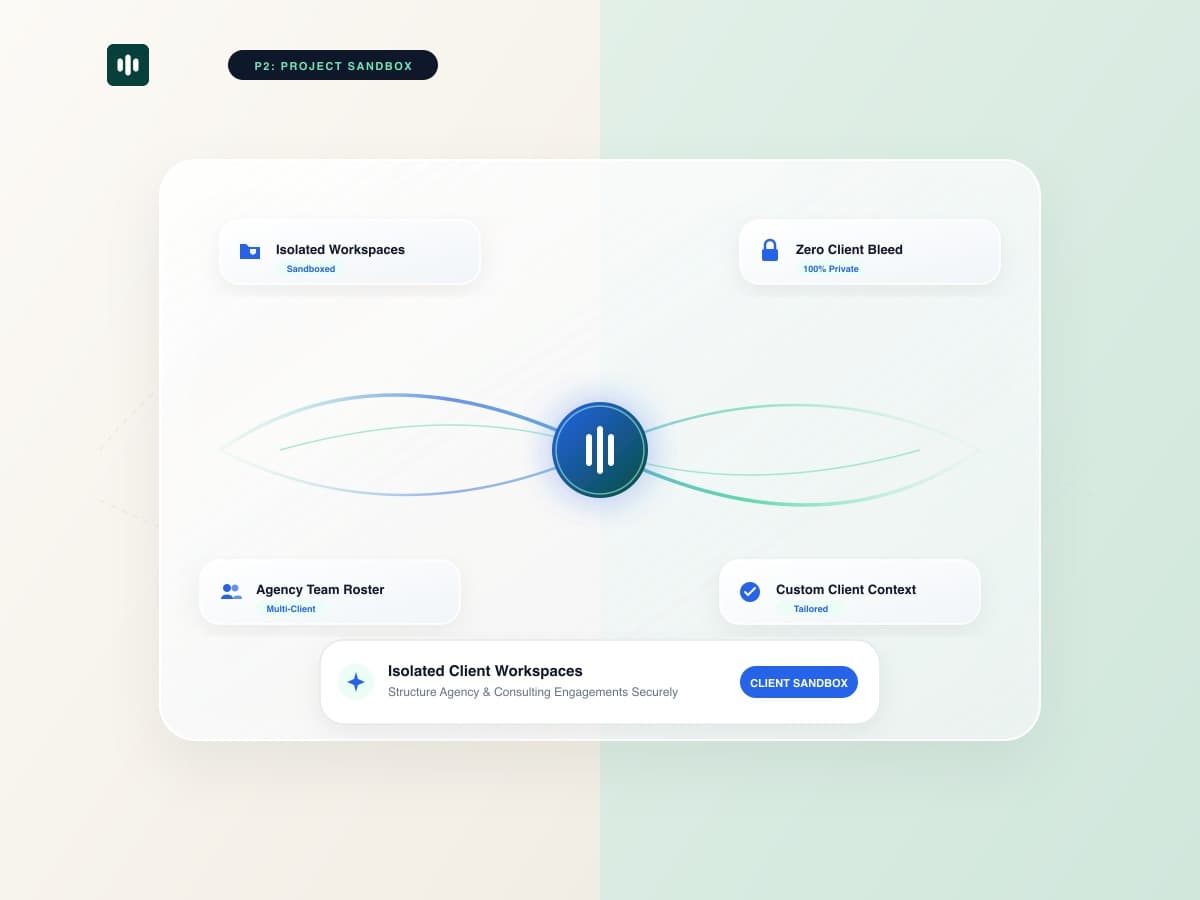
For modern agencies, consulting firms, and legal advisories, managing dozens of active client accounts simultaneously is standard procedure. However, using generic, open AI chat windows creates immense operational risk: prompts blend together, brand voices get confused, and worse, proprietary client data risks accidental cross-contamination. With TaggoAI AI Workspace, professional teams can compartmentalize every client engagement into completely isolated, custom-configured project environments.
Project Isolation provides a dedicated sandbox for each client account. All uploaded PDFs, data spreadsheets, custom system prompts, and conversation logs remain strictly bounded to that specific project, ensuring zero data leakage and 100% brand consistency.
1. The Hidden Risks of Shared AI Chats for Client Work
When multi-account teams rely on unstructured single-thread AI tools, four major failure modes emerge:
- Cross-Client Knowledge Pollution: An AI prompt written for a luxury healthcare client may inadvertently suggest tone or data from a budget retail client discussed earlier in the session.
- Context Window Saturation: Overloading a single chat with multiple briefs causes the AI to forget foundational guidelines, producing generic, low-relevance outputs.
- Confidentiality Vulnerabilities: Account managers cannot safely share chat threads with external clients or junior contractors without exposing other clients' internal notes.
- Loss of Document Context: Uploading 10 different client decks into one storage pool forces team members to waste time re-specifying which file applies to which client.
2. Architectural Comparison: General AI Chat vs TaggoAI Isolated Projects
| Workflow Dimension | Standard Shared AI Chat | TaggoAI Workspace Projects |
|---|---|---|
| Data Partitioning | All conversations share global memory. | Dedicated vector index per project. |
| Brand Voice & Instructions | Must re-paste style guides in every prompt. | Permanent, project-level custom system rules. |
| Team Permissioning | All-or-nothing account access. | Granular member invitations per project space. |
| Document Grounding | Unsorted file attachments prone to errors. | Automatic multi-format indexing with page citations. |
3. 4 Best Practices for Structuring Client AI Workspaces
- Standardize Project Naming: Use clean naming conventions like
[Client Code] - [Engagement Type] - [Year](e.g., "AcmeCorp - Brand Relaunch - 2026") for instant identification. - Upload Core Knowledge First: Seed each project with brand guidelines, approved messaging pillars, customer personas, and competitor matrices before generating copy.
- Set Exact Guardrails: Define negative keywords, forbidden claims, and mandatory legal disclaimers inside project instructions.
- Assign Role-Based Access: Keep financial audit projects restricted to senior partners while granting junior copywriters access only to creative projects.
Organize Your Agency Accounts with TaggoAI
Create dedicated AI projects for every client and guarantee 100% brand consistency and data privacy.
Launch TaggoAI Workspace →Frequently Asked Questions
Can an AI project access documents uploaded to another project in TaggoAI?
No. TaggoAI enforces strict cryptographic partition boundaries between projects. Document vector indices, chat histories, and prompt instructions never bleed across project spaces.
How many client projects can an agency manage simultaneously?
TaggoAI Workspace supports unlimited projects, allowing agencies and enterprise teams to manage hundreds of client accounts seamlessly.
Can I clone project setups or instructions for new clients?
Yes. You can duplicate custom instruction templates and workflow structures to onboard new client accounts in seconds.
Ready to elevate your customer experience?
Deploy intelligent AI agents for your business in minutes.