How to Chat with Your PDF, DOCX, and CSV Files Using AI: Complete Guide
Learn how to use AI to chat directly with PDF reports, Word documents, and complex CSV spreadsheets. Discover instant semantic search, multi-format RAG ingestion, and table querying with TaggoAI Workspace.
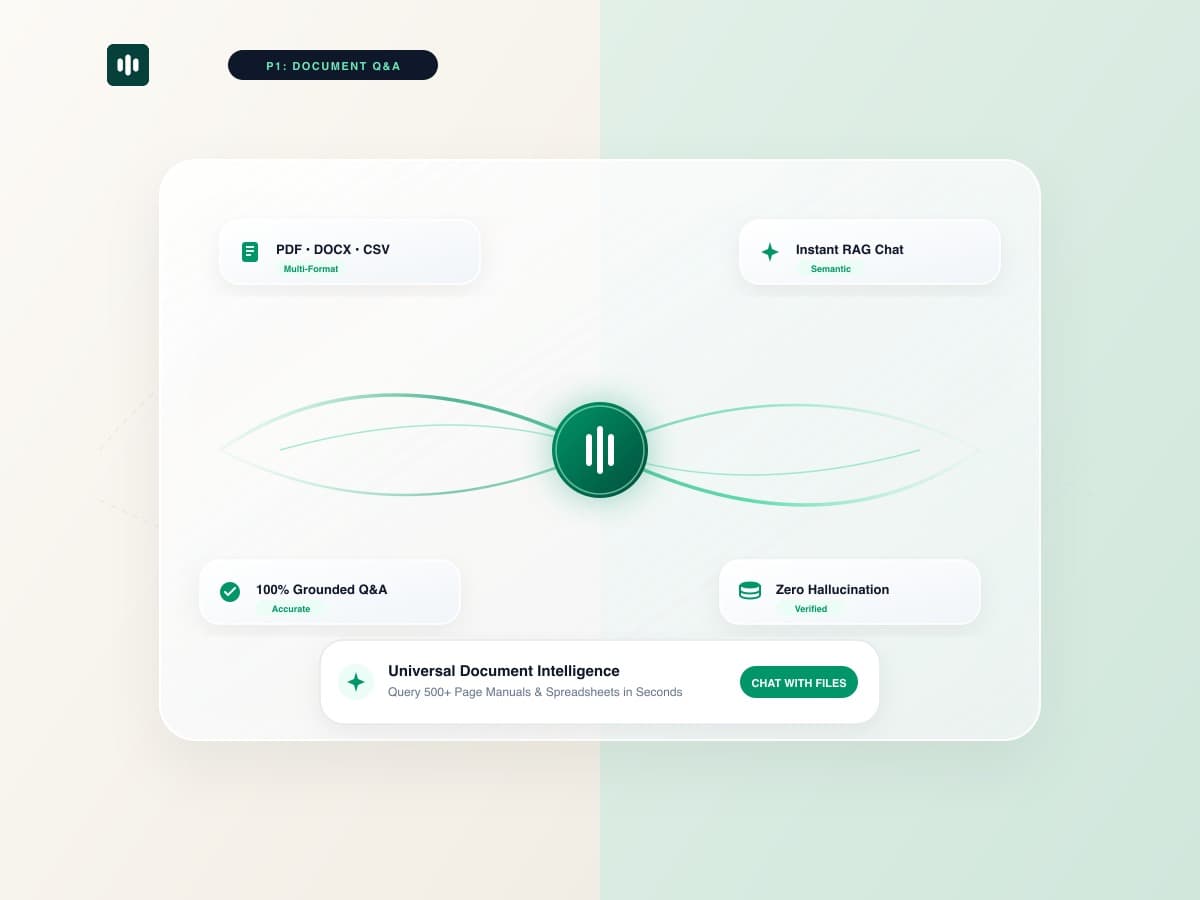
Knowledge workers and business executives spend over 20% of their working week searching for specific information buried across hundreds of PDF manuals, Word contracts, and CSV data sheets. Traditional Ctrl+F keyword search fails when inquiries require semantic reasoning, cross-referencing multiple pages, or synthesizing complex tabular data. With TaggoAI AI Workspace, teams can chat naturally with any document format and receive instant, verifiable answers in seconds.
AI Document Intelligence combines advanced Retrieval-Augmented Generation (RAG) with multimodal layout parsing. Instead of manually skimming 300-page operational manuals, you converse directly with your files—extracting insights, comparing clauses, and computing financial metrics instantaneously.
1. The Limitations of Traditional File Search vs AI Chat
Traditional document navigation methods create severe productivity bottlenecks in enterprise workflows:
- Keyword Matching Inefficiency: Standard search requires you to know the exact phrasing used by the author. If you search for "termination clause" but the contract says "cancellation terms", standard search returns zero results.
- Tabular Data Blind Spots: Traditional PDF search cannot perform calculations across financial tables or compare column values across quarters.
- Context Isolation: Searching across 5 separate Word documents requires opening 5 separate windows and manually compiling the findings into a notes document.
2. How TaggoAI Handles Multi-Format File Ingestion
| Document Format | Typical Use Case | TaggoAI AI Ingestion Capability |
|---|---|---|
| PDF Documents | Annual reports, vendor contracts, technical specs | Preserves headers, footnotes, and multi-column visual layouts. |
| DOCX Files | Employee handbooks, project proposals, SOPs | Full semantic parsing with instant outline extraction. |
| CSV / XLSX Spreadsheets | E-commerce orders, customer lists, financial models | Direct numerical queries, trend calculations, and data summaries. |
3. 4 Practical Prompt Scenarios for Document Q&A
Here is how enterprise teams use TaggoAI Workspace to accelerate daily analysis:
💬 Real-World Document Prompts:
1. Contract Audit: "Summarize all liability indemnification limits and payment terms across sections 4 and 8."
2. Financial Synthesis: "From the Q3 earnings PDF, what was the gross profit margin in APAC compared to North America?"
3. HR & Policy Guidance: "What is our parental leave policy for remote employees according to the 2026 handbook?"
4. CSV Calculation: "Filter out all orders where return reason is 'defective' and calculate total refund value."
4. Step-by-Step: How to Chat with Documents in TaggoAI
- Create a Project: Open TaggoAI AI Workspace and initialize a new project workspace.
- Upload Your Files: Drag and drop your PDFs, Word documents, and spreadsheets into the file panel.
- Ask Natural Questions: Type questions in the interactive chat box. TaggoAI synthesizes answers with clickable citations.
- Export Briefs & Reports: Export generated summaries as clean PDFs, Word documents, or presentation decks in 1 click.
Start Chatting with Your Documents Today
Upload your PDFs, Word files, and spreadsheets to unlock instant AI document intelligence.
Launch TaggoAI Workspace →Frequently Asked Questions
Can TaggoAI read complex tables inside PDFs and CSVs?
Yes. TaggoAI utilizes advanced optical layout analysis and tabular parsers to preserve table structures, allowing you to calculate metrics, compare rows, and summarize financial data directly.
How large of a document can I upload to TaggoAI Workspace?
TaggoAI Workspace supports documents up to 500+ pages and datasets with tens of thousands of spreadsheet rows without context loss or truncation.
Is my uploaded document data private and secure?
Absolutely. TaggoAI enforces enterprise-grade encryption and tenant isolation with a strict zero-model-training guarantee on private corporate data.
Ready to elevate your customer experience?
Deploy intelligent AI agents for your business in minutes.