How to Auto-Publish Content to Facebook, Instagram, and Threads with AI
Learn how to automate publishing across Meta's entire ecosystem—Facebook Pages, Instagram Carousels/Reels, and Threads—using AI workflow automation with TaggoAI.
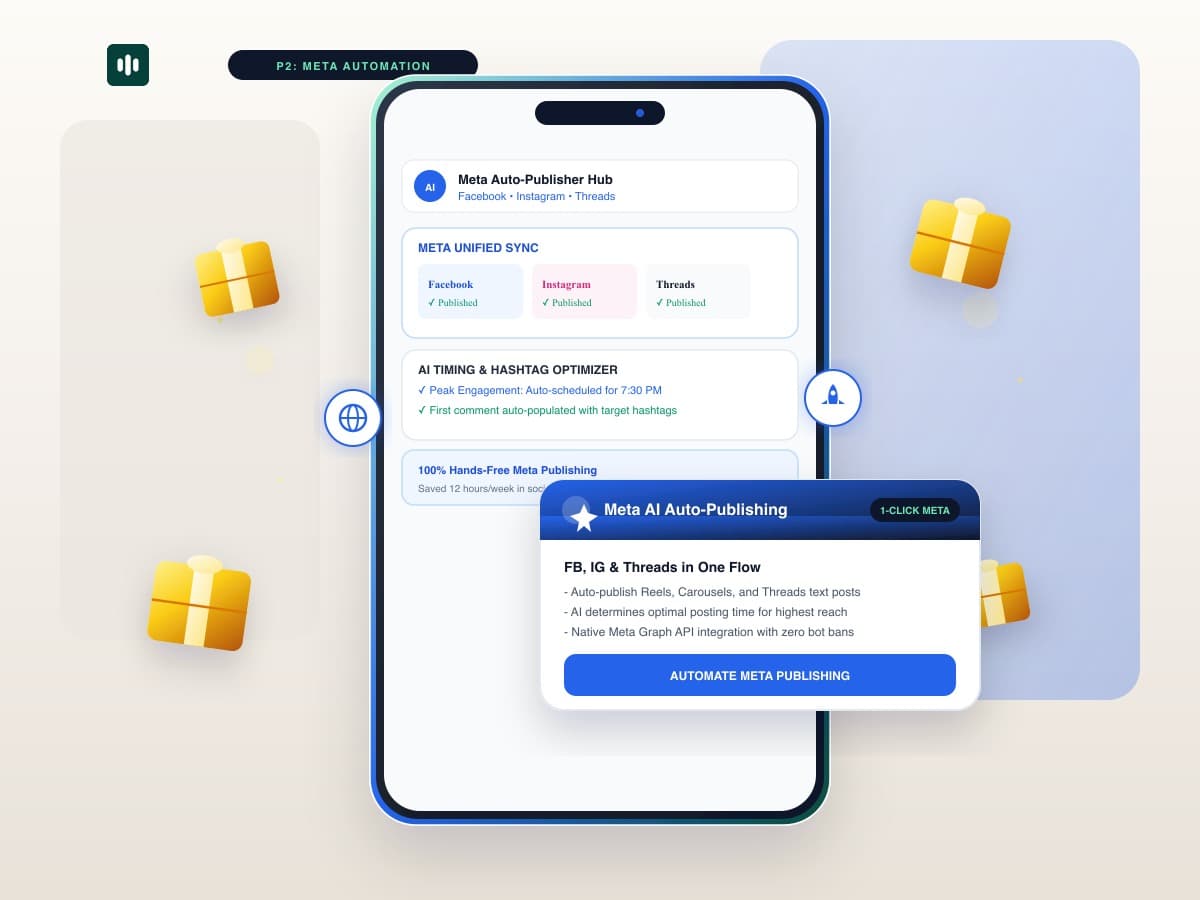
Managing multiple social profiles across Meta's ecosystem—Facebook Pages, Instagram feeds, Reels, and Threads—is one of the most time-consuming responsibilities for modern marketing teams. Manually uploading assets, re-cropping images for different aspect ratios, and rewriting captions drains hours of daily productivity. With TaggoAI AI Content Engine, you can automate publishing across all Meta channels with a single click.
TaggoAI connects directly to your Meta Business Suite via official API integrations, automatically adapting single content assets into feed-optimized Facebook posts, high-aesthetic Instagram Carousels, and engaging Threads text conversations.
1. The Challenge of Manual Multi-Platform Meta Publishing
- Aspect Ratio Mismatches: Posting a landscape 16:9 graphic on Instagram or Threads results in cropped, low-converting visuals.
- Suboptimal Posting Windows: Missing peak engagement windows because social managers cannot manually publish at 7:30 PM on weekends.
- Repetitive First-Comment Work: Manually pasting hashtag clusters and tracking links into first comments across multiple accounts.
2. How TaggoAI's Meta Automation Engine Works
| Platform | Auto-Adapted Format | AI Optimization Feature |
|---|---|---|
| Facebook Page | Rich Link Previews & High-Res Photo Albums | Auto-appends UTM tracking tags for Google Analytics. |
| Instagram Profile | 4:5 Portrait Carousels & 9:16 Video Reels | Auto-posts 12 curated niche hashtags in First Comment. |
| Threads | Bite-Sized Text Hooks & 3-Post Threads | Conversational debate prompts driving high comment replies. |
3. 4-Step Setup to Auto-Publish Across Meta
- Authenticate Social Accounts: Link your Meta Business Manager to TaggoAI in 30 seconds.
- Upload or Generate Master Asset: Input your topic to generate the visual and written creative.
- Set Smart Time Triggers: TaggoAI analyzes your followers' historical activity to select peak reach hours.
- Enable 1-Click Multi-Publish: Confirm draft and let TaggoAI handle the simultaneous dispatch.
Automate Your Meta Social Channels
Save 12+ hours every week by scheduling Facebook, Instagram, and Threads from one dashboard.
Launch Meta Auto-Publisher →Frequently Asked Questions
Is auto-publishing to Instagram and Threads safe with TaggoAI?
Yes. TaggoAI utilizes official Meta Graph API v20.0 endpoints. It does not use unauthorized browser scraping or unverified bots, ensuring 100% account security and zero shadowban risks.
Can TaggoAI auto-publish Instagram Carousels and Reels?
Yes. TaggoAI supports multi-image carousel publishing, video Reels scheduling with cover thumbnail selection, and Threads thread chaining.
Ready to elevate your customer experience?
Deploy intelligent AI agents for your business in minutes.